Group chat story videos (up to 5 contributors) vs two-person texting apps: staging ensemble dialogues
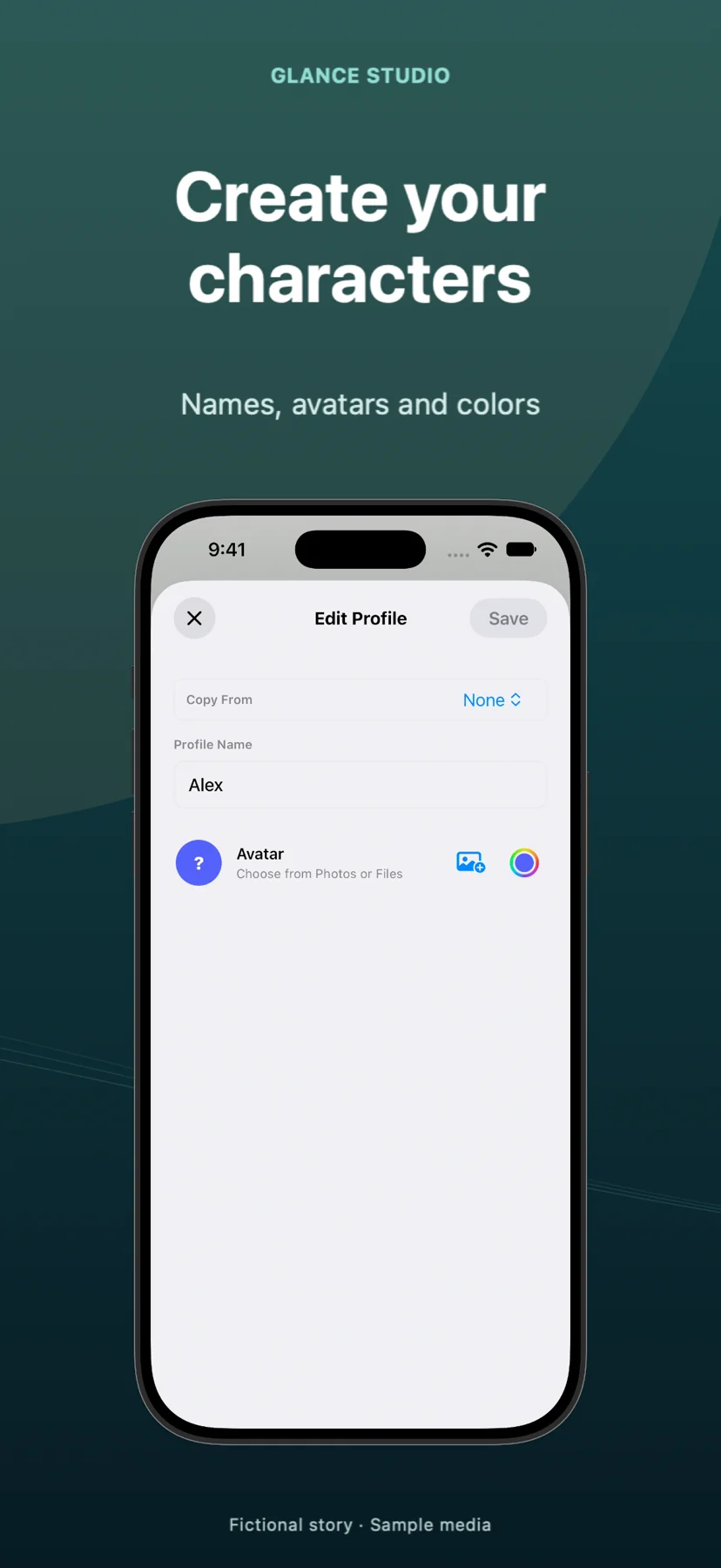
Most mobile texting-story apps and browser fake-text generators lock you into strict two-person ("Left vs Right") dialogues, making family group threads, workplace skits, friend-group drama and multi-suspect mysteries impossible. Glance Studio supports up to 5 contributors per project—complete with individual names, avatars, colors, room-entry lines and distinct Maya1 voiceover presets—staged in 3D or flat mode.
1. Story structures unlocked by 3 to 5 participants
Two-person chats only allow direct ping-pong conflict, forcing characters to awkwardly summarize what a third person did offscreen ("Mom just told Dad that..."). Adding a third, fourth or fifth contributor lets the dramatic interruption happen live inside the thread—complete with a room-entry line announcing the exact moment the boss, landlord or unexpected suspect joins the chat.
In Glance Studio, every message selects its author from up to 5 project contributors, pairing incoming and outgoing directions with distinct names, avatars and colors so viewers track who is speaking at a glance.
| Storytelling mechanic | Glance Studio (Up to 5 Contributors) | Standard 2-Person Texting Apps |
|---|---|---|
| Participant limit per project | 2 to 5 contributors | 2 participants only (Sender A & Sender B) |
| Mid-scene character arrival | Built-in room-entry lines when someone joins | Not supported |
| Visual speaker distinction | Per-contributor name, avatar & bubble color + 4 chat looks | Left gray bubble vs right colored bubble only |
| Distinct character voices | Assign different Maya1 presets (15 presets + custom) per message | Usually silent or max 2 cloud voices |
| Ensemble genres supported | Workplace teams, roommates, family chats, mystery casts, panel Q&As | 1-on-1 DMs only |
2. Keeping 3-to-5 character threads readable inside 30 messages
Ensemble casts fail when viewers spend mental energy decoding five similar names across tiny bubbles. Because Glance Studio caps a single project at 30 messages, 30 media changes and 5 contributors, tight visual discipline pays off: introduce two characters first, bring the third or fourth in with a clear room-entry beat, and give each persona a unmistakable name ("Maya (PM)", "Dev", "Client") and contrasting color.
For 4- or 5-person threads with rapid cross-talk, test Flat mode alongside the `channel dark` look so speaker labels and avatars stay large, or use a restrained front-facing 3D iPhone angle.
| Cast size | Recommended message pacing | Best stage & voice setup |
|---|---|---|
| 2 contributors (duet) | 6–20 messages; vary typing pauses around the twist | 3D iPhone stage or Flat; 2 contrasting Maya1 voices |
| 3 contributors (triangle / interruption) | 12–24 messages; bring #3 in mid-thread via room-entry line | 3D iPhone with zoom keyframe on the room-entry reveal |
| 4–5 contributors (full group thread) | 15–30 messages; keep replies 3–8 words each | Flat mode or near-front 3D angle + `channel dark` look |
3. Scaling longer ensemble episodes across cuts
If a five-person mystery or workplace comedy spans 50 or 60 messages, treat the 30-message cap like scene breaks in television: end Part 1 on a cliffhanger attachment or room-entry line, export the 1080×1920 MP4, duplicate or continue the cast in Scene 2, and splice both clean MP4s in CapCut, Final Cut Pro or Wonek Video Studio.
Both the free iOS app (with AdMob ads) and the $4.99 Mac app unlock all 5 contributor slots with zero extra add-on fees.
| Constraint or cost | Glance Studio | Typical Mobile / Web Fake-Text Tools |
|---|---|---|
| Cost for 5-person group chats | $0 on iOS (ads) · $4.99 one-time on Mac | Often unsupported or locked behind Pro tier |
| Messages per project | Up to 30 messages (join multiple MP4s for longer scripts) | 2-person only; credit or screen-height capped |
| Inline media in group threads | Up to 30 timed media changes + fullscreen expand | Static images or none |
What is the maximum number of people in a single Glance Studio conversation?
Five contributors per project, each with their own name, avatar and color.
Can someone join the group chat halfway through the video?
Yes. Glance Studio supports room-entry lines so a new contributor can visibly join at the exact beat your script calls for.
Can each of the 5 contributors have a different voiceover voice?
Yes. Maya1 includes 15 preset English voices plus custom voice descriptions, and voice settings apply per message.
Do I have to pay extra on iPhone to unlock 5 contributors?
No. Every editor feature, including all 5 contributors, is free on iOS (supported by ads) and included in the $4.99 Mac purchase.