3D chat video ad hooks vs hiring talking-head UGC creators: speed, iteration cost & compliance
Human talking-head UGC creators remain unmatched when an ad requires physical product unboxing, skin/apparel demonstration or personal on-camera charisma—at $150 to $500+ and 5–14 days per video. For digital apps, SaaS workflows and e-commerce hook testing, staging a 3D chat video in Glance Studio lets growth teams test 10 problem-solution angles in one afternoon for $0–$4.99, without actor reshoots or usage-rights expirations.
1. Creative velocity: testing 10 opening hooks in an afternoon vs 2-week creator turnaround
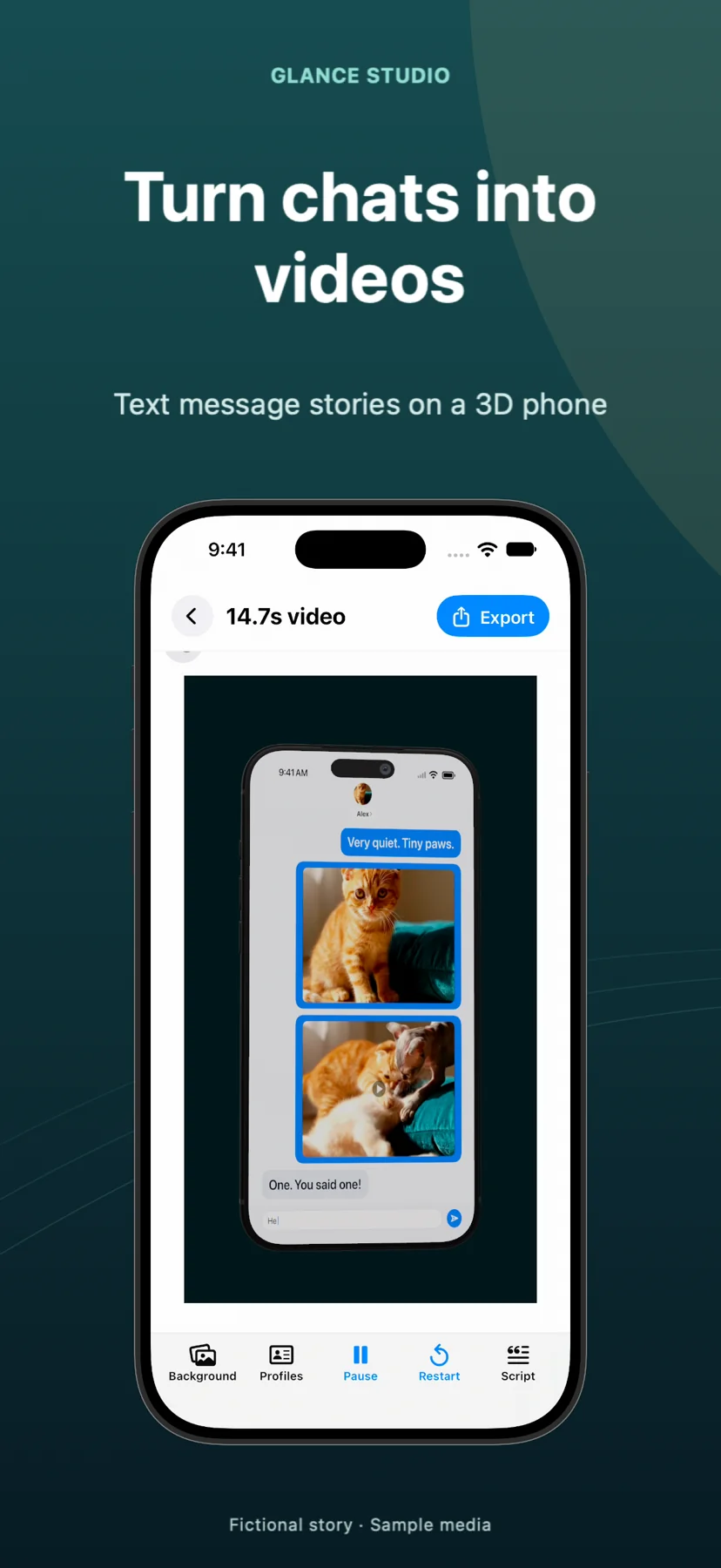
Paid social media buying lives and dies by the first three seconds. Commissioning ten hook variations from human UGC marketplaces means writing briefs, shipping products or promo codes, waiting days for filming, and paying per-hook add-on fees whenever a single line of copy changes. In Glance Studio, your hook overlay, push notification banner, chat script, 3D iPhone angle and delayed call to action live in one editable local project.
Need to test five different opening questions or swap a 4-second app screen recording inside message #3? Change the text on Mac ($4.99, zero ads, with per-project render history) and export five crisp 1080×1920 30 fps MP4s in fifteen minutes.
| Performance marketing factor | Glance Studio 3D Chat Spot | Hired Talking-Head UGC Creator |
|---|---|---|
| Cost per finished concept | $0 (iOS w/ ads) or $4.99 one-time Mac app across unlimited ads | $150–$500+ per video + hook/raw-footage add-on fees |
| Turnaround time from idea to MP4 | 10–20 minutes in-house | 5–14 days sourcing, briefing, shooting & revising |
| Paid usage & whitelisting rights | Perpetual for your own original script & licensed assets | Often restricted to 30–90 days without licensing buyouts |
| Fixing an outdated UI screen or price | Swap inline clip/text & re-export in 2 minutes | Requires paid reshoot or awkward patch edit |
| Physical unboxing / wearable proof | Not applicable (digital/narrative framing) | Essential — real human handling physical goods |
2. Anatomy of a high-clarity chat product ad (and hybrid 3-second hooks)
Glance Studio builds the four structural pieces of a conversion-focused mobile spot directly into the scene: (1) an opening hook overlay sized from 10 to 64 pt, (2) a relatable two-character problem exchange ("Where did you save the shared receipt?"), (3) an inline video attachment that expands fullscreen to demonstrate the real app feature in action, and (4) a staged push notification banner plus a delayed call-to-action overlay.
Many growth teams also run a hybrid approach: open with a 3D Glance Studio chat hook for the first 6 seconds, then cut to real founder or customer footage—or vice versa—inside an external editor.
| Ad beat | Glance Studio control | Marketing purpose |
|---|---|---|
| Seconds 0–3: Pattern interrupt | Opening hook overlay + 3D iPhone camera angle + push banner | Names the exact audience pain point immediately |
| Seconds 3–10: Relatable setup | Simulated keyboard typing & 4 de-branded chat looks | Holds viewer curiosity waiting for the reply |
| Seconds 10–18: Product proof | Inline trimmed video expanding fullscreen (or phone-screen video) | Shows actual shipping app UI solving the problem |
| Seconds 18–22: Clear next step | Delayed CTA overlay (10–64 pt) + optional Maya1 voiceover | Directs viewers to the App Store or landing page |
3. Truthful advertising rules: dramatization vs fake testimonials
FTC guidelines, platform ad policies and Glance Studio’s own Terms of Use align on one non-negotiable rule: never pass off a scripted, fictional chat as an actual customer endorsement, real review or authentic support transcript, and never make claims your product cannot substantiate.
Using Glance Studio’s clearly stylized, de-branded chat looks alongside demonstrably real screen recordings of your shipping product keeps your ad creative persuasive, transparent and compliant.
| Creative element | Compliant approach | Prohibited / risky approach |
|---|---|---|
| Dialogue framing | Clearly staged scenario ("How pinning works in 10 seconds") | Purported screenshot of a real customer or celebrity DM |
| Product demonstration clip | Unedited recording of current shipping app version | Mocked-up results the downloadable app cannot produce |
| Music & imagery | Original, owned or commercially licensed tracks & footage | Unlicensed chart music or scraped third-party clips |
Can agencies use Glance Studio to render commercial client ads?
Yes. Both the free iOS app and $4.99 Mac app produce watermark-free 1080×1920 MP4s you can deliver to clients, provided all text, media and music are properly licensed and truthful.
Why is Glance Studio Desktop ($4.99) popular with ad teams?
On Mac there are zero ads before exports, exports write straight to client Finder folders, and each project keeps a render history of hook variants.
Does Glance Studio guarantee ad conversions, ROAS or views?
No. Glance Studio is a creative production tool; ad performance depends on your product, offer, targeting and creative testing.
Can I combine a Glance Studio hook with real creator footage?
Yes. Export the 1080×1920 30 fps MP4 from Glance Studio and splice it before or after live-action UGC clips in any vertical video editor.