De-branded chat UI looks vs trademarked messenger clones: ad compliance & creator safety
Pixel-for-pixel clones of WhatsApp, iMessage, Instagram DMs or Discord look tempting for shock-value pranks, but they create immediate trademark, ad-rejection and deceptive-endorsement risks for serious creators and brands. Glance Studio ships four stylized, de-branded chat looks—classic blue, channel dark, purple and green—that viewers recognize instantaneously as text messaging without copying third-party icons or implying affiliation.
1. Why ad networks and platforms flag cloned messenger interfaces
Paid social ad reviewers on Meta, TikTok, YouTube and Apple Search/social placements scrutinize creatives that reproduce proprietary platform chrome, verified badges, trademarked status icons or fake customer-support headers—both for intellectual-property infringement and for deceptive UI practices. Even on organic channels, presenting a cloned messenger screenshot as real "receipts" invites misinformation strikes.
Stylized, unbranded layouts solve the visual storytelling problem cleanly: contrasting sender/receiver bubble colors, avatars, typing bars and sent/received/viewed ticks communicate "two people texting" in a tenth of a second without borrowing anyone’s trademark.
| Risk or creative dimension | De-Branded Chat Looks (Glance Studio) | Trademarked Messenger Clone Generators |
|---|---|---|
| Third-party logos & proprietary icons | None — stylized original layouts | Copies WhatsApp, Meta, Apple or Discord chrome |
| Paid UGC & app-install ad review | Clear artistic dramatization when disclosed honestly | High rejection risk for brand impersonation / misleading UI |
| Visual familiarity for viewers | Immediate via classic blue, channel dark, purple & green palettes | High, but tied to one specific real-world app |
| Cross-platform reposting (TikTok + Reels + Shorts) | Platform-neutral aesthetic everywhere | Competitor app UI marks can underperform or fail review |
2. Inside Glance Studio’s four stylized chat looks
Glance Studio includes four built-in themes designed for distinct moods and lighting setups: `classic blue` for bright everyday conversations and iOS-familiar product demos, `channel dark` for late-night horror threads, gaming skits or dark-mode developer stories (including room-entry notices for up to 5 contributors), `purple` for expressive social/creator dialogues, and `green` for crisp high-contrast exchanges.
Every look pairs with independent typography sizing from 10 to 64 points across your opening hook, chat messages and call to action, so legibility never suffers for style.
| Glance Studio look | Visual vibe | Strongest use cases |
|---|---|---|
| Classic Blue | Clean, bright, everyday mobile messaging | App feature demos, comedy misunderstandings, everyday Q&A |
| Channel Dark | Dark-mode community / group room aesthetic | Horror texting stories, gaming skits, 3–5 person group threads |
| Purple | Vibrant social DM-inspired contrast | Creator storytelling, lifestyle UGC hooks, relationship skits |
| Green | Crisp, high-contrast two-way messaging | Support script demos, educational dialogues, international stories |
3. Honest disclosure rules that protect your channel or brand
Using a de-branded UI is half of commercial compliance; truthful framing is the other half. Glance Studio’s terms explicitly prohibit presenting staged conversations as real exchanges, fabricating customer testimonials or making unsupported product claims. Framing an ad as an obvious dramatization ("POV: showing your teammate where pinned notes live") or labeling a fictional horror skit keeps audience trust intact.
If a compliance or UX documentation project strictly requires an authentic screenshot of an actual third-party app you have permission to document, capture that real interface directly rather than using any fake-chat generator.
| Scenario | Recommended practice | Avoid |
|---|---|---|
| Product feature demo | Fictional Q&A + real screen recording of actual shipping feature | Inventing fake buyer reviews presented as real DMs |
| Fictional mystery / comedy channel | Original characters, fictional names & stylized look | Using real people’s names, photos or phone numbers |
| Agency UGC ad creative | Own/licensed background media, music & honest product claims | Unlicensed trending songs or trademarked messenger headers |
Is Glance Studio affiliated with Apple iMessage, WhatsApp, Instagram or Discord?
No. Glance Studio is published independently by Arte Soft EOOD and is not affiliated with, sponsored by or endorsed by Apple, Meta, Discord, Rakuten or any messaging service.
Can I customize text sizes on each of the four chat looks?
Yes. Hook text, message text and call-to-action text sizes are each adjustable independently from 10 to 64 points.
Do contributor bubble colors work alongside the four chat looks?
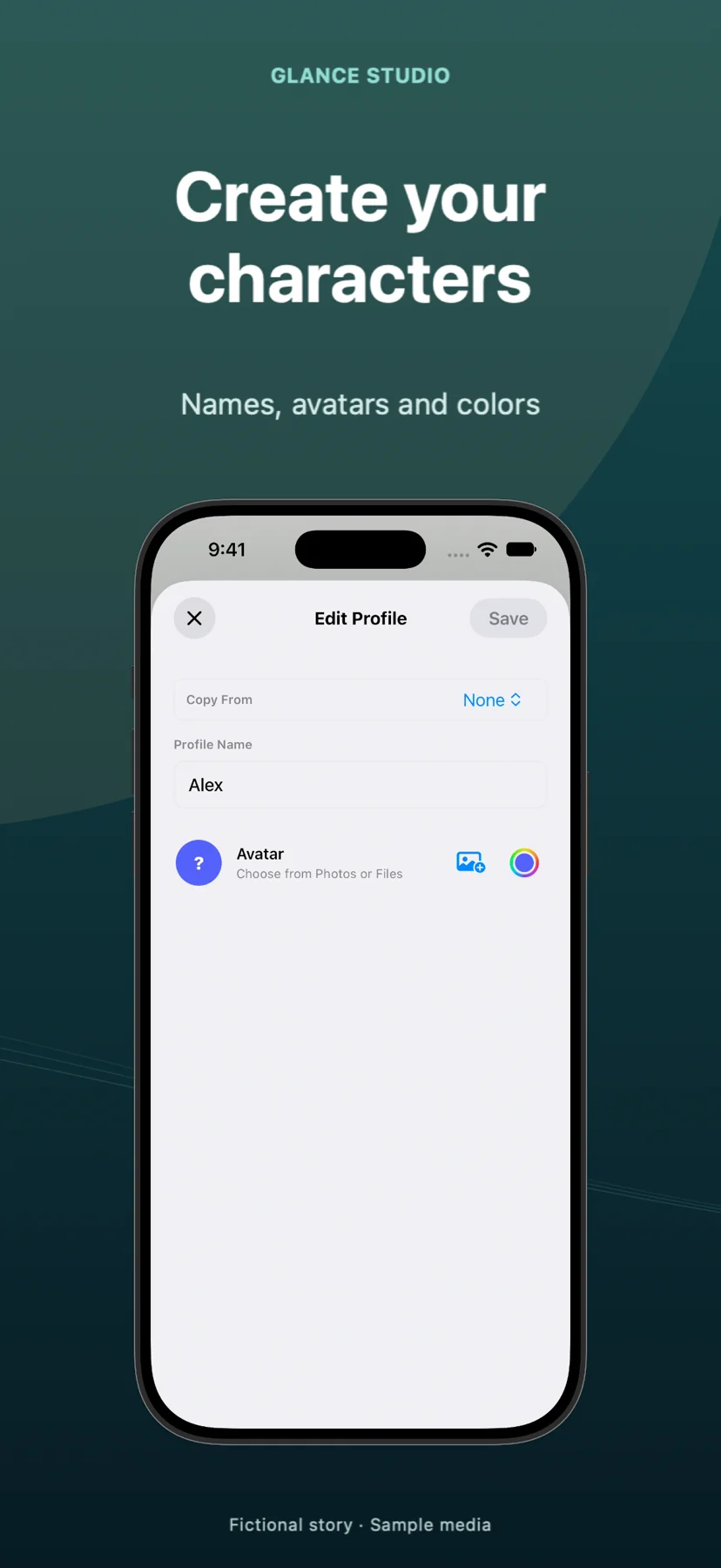
Yes. Each of up to 5 contributors can have their own name, avatar and color within the conversation.
Can I use Glance Studio for client social ads?
Yes—both the free iOS app and $4.99 Mac app export watermark-free 1080×1920 MP4s suitable for commercial posts, provided you hold rights to your media and keep dramatized chats honest.