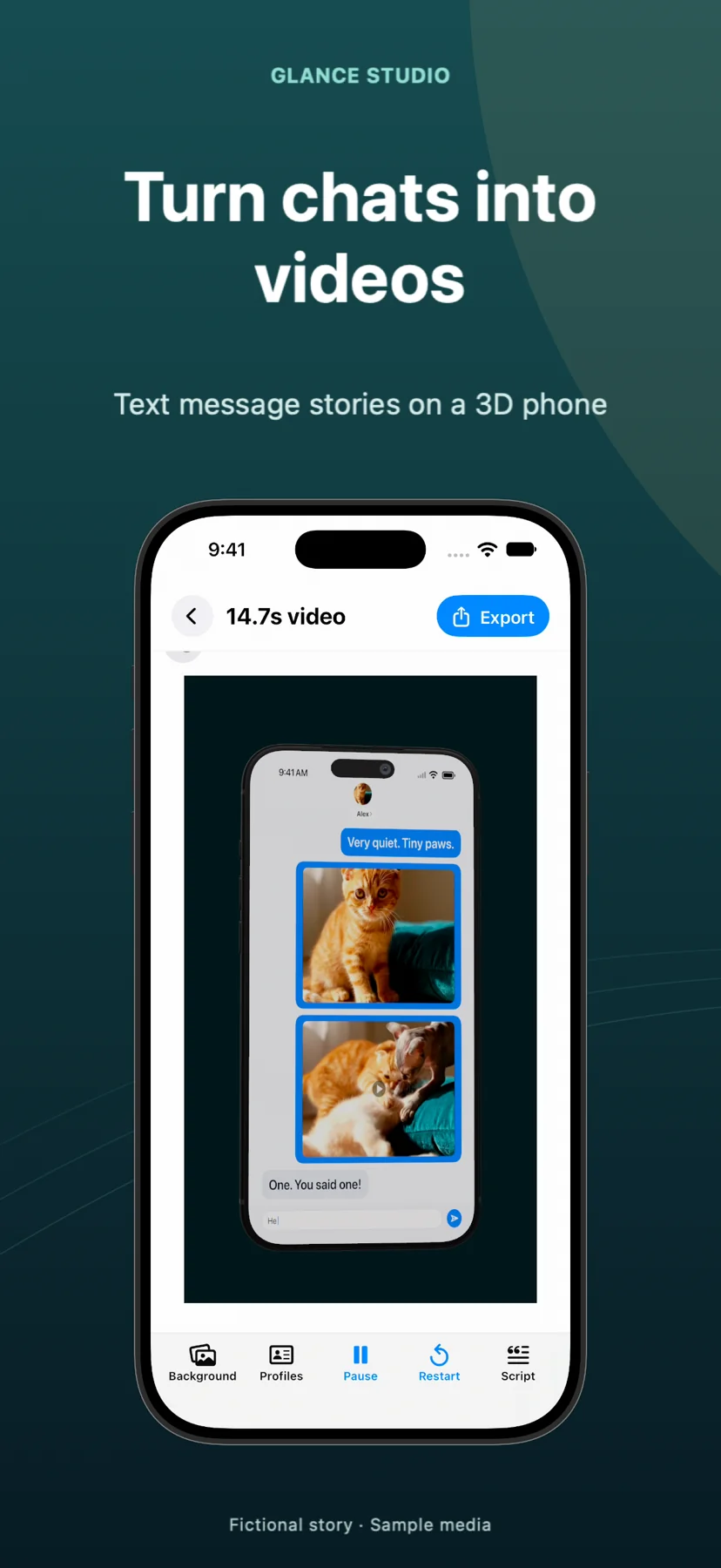
Glance Studio vs Rotato for chat & app demos: scripted 3D message choreography vs screen-capture mockups
Rotato is a dedicated Mac 3D mockup studio built to wrap pre-recorded app screen captures inside iPhones, iPads, Macs and Android frames across horizontal and vertical aspect ratios. Glance Studio solves a different, faster job for marketers: when your ad hook or product demo is framed as a conversation, Glance generates BOTH the animated chat script (typing, push banners, inline fullscreen app clips, voiceover) AND the 3D iPhone stage in one $4.99 Mac or free iOS app.
1. Built-in conversational story engine vs bring-your-own screen recording
Rotato assumes you already produced a polished screen recording elsewhere—meaning if you want a "friend recommends the app in chat, sends a demo clip, push notification confirms the result" promo, you still need a separate tool to build and time the fake chat before importing that MP4 into Rotato. Glance Studio combines the script editor and the 3D iPhone stage in one screen: write the Q&A across up to 5 contributors, drop your real app screen recording into a reply bubble (expanding fullscreen on cue) or directly onto the 3D phone screen, and trigger a staged push notification banner.
Each message in Glance Studio can also drive the 3D camera directly using seven focus keyframes—zoom, zoom with blur or dim, spotlight, pulse, shake or bounce—without manually keyframing timestamps against an imported video.
| Capability | Glance Studio | Rotato (Mac) |
|---|---|---|
| Native chat script & typing generator | Included (up to 5 contributors, typing LPM, delivery states) | Not included (must record or animate chat externally first) |
| Inline screen-recording expand to fullscreen | Built in per message + option to play footage on phone screen | Displays imported video inside the 3D device screen only |
| Message-synced 3D focus keyframes | 7 focus moves bound directly to messages or message groups | Timeline camera keyframes synced manually by timestamp |
| Opening hook, push notification & CTA | Built-in overlays with independent 10–64 pt text sizing | Requires external title/compositing pass for complex hooks |
| Built-in local AI voiceover | On-device Maya1 English voiceover (15 presets + custom) | No voiceover engine |
2. Where Rotato wins: multi-device hardware models, 16:9 & alpha exports
When your marketing video is NOT a conversation—or requires hardware Glance Studio does not model—Rotato is the specialist mockup tool. Glance Studio’s current 1.1.3 release renders exactly one 3D device (a current-generation iPhone in five finishes, plus a device-free flat mode) and exports exclusively vertical 1080×1920 MP4 at 30 fps.
If your launch trailer needs side-by-side MacBook + iPad + Android renders, horizontal 16:9 4K hero videos for a landing page, 60 fps UI scroll captures or transparent-alpha MOV files, use Rotato.
| Technical spec | Glance Studio | Rotato |
|---|---|---|
| 3D device models included | 1 current-gen iPhone (5 finishes) + Flat no-device mode | Broad library (iPhone, iPad, MacBook, iMac, Watch, Android) |
| Export resolution & aspect ratio | Vertical 1080×1920 (9:16) only | 16:9, 9:16, 1:1, custom up to 4K |
| Frame rate & transparency | 30 fps · opaque HEVC or H.264 MP4 | Up to 60 fps · MP4 & transparent HEVC/ProRes options |
| Runs on iPhone & iPad | Yes (iOS/iPadOS 26+) + Mac | Mac only |
3. Pricing comparison ($0 iOS / $4.99 Mac vs mockup studio licenses)
3D mockup suites on Mac typically cost $59 to $99+ (or recurring yearly updates) and stamp watermarks on trial renders. Glance Studio Desktop on the Mac App Store is $4.99 once—no ads, no subscriptions, no watermark—and the iPhone/iPad edition is free with AdMob ads.
For indie Apple developers, growth marketers and UGC agencies running vertical TikTok, Reels and App Store social ads, Glance Studio covers chat-framed demos at a fraction of traditional 3D mockup pricing.
| Marketing deliverable | Best tool | Price |
|---|---|---|
| 9:16 social ad: chat problem → demo clip → push banner → CTA | Glance Studio | $0 iOS (ads) · $4.99 one-time Mac |
| 16:9 website hero video showing MacBook + iPad Pro UI | Rotato | Paid Rotato license (~$59+) |
| Creating 3D chat promos directly on an iPad or iPhone | Glance Studio | $0 on App Store |
Can Glance Studio render a 3D iPad or MacBook mockup?
No. Version 1.1.3 renders one current-generation iPhone model in five finishes, plus a flat mode with no device frame. iPad and laptop 3D stages are not in this version.
Can I play a real app screen recording on the 3D iPhone in Glance Studio?
Yes—in two ways: either attach a trimmed video to a chat bubble and expand it fullscreen for a chosen duration, or set the 3D phone screen to play real footage instead of the chat.
Does Glance Studio Desktop on Mac watermark exports?
Never. Glance Studio has no watermark on Mac ($4.99 one-time) or on iOS (free with ads).
Can I save multiple rendered cuts while tweaking 3D camera angles on Mac?
Yes. Glance Studio Desktop keeps a per-project render history so you can compare exported MP4 versions easily.