Glance Studio vs iFakeTextMessage & web generators: 1080×1920 30fps video vs single-image JPEGs
Classic web tools like iFakeTextMessage.com generate a single static PNG/JPEG screenshot of a short two-person exchange—fine for a static meme image, but dead weight in video-first feeds like TikTok, Instagram Reels and YouTube Shorts. Glance Studio turns scripted conversations of up to 5 contributors into full 1080×1920 30 fps vertical MP4 videos with live keyboard typing, 3D iPhone camera motion, inline video reveals and local Maya1 voiceover.
1. Why video-first algorithms favor sequential reveal over static screenshots
Drop a static 10-bubble JPEG onto Reels or Shorts and viewers read the bottom punchline in two seconds and swipe away. Conversational retention works only when information arrives one beat at a time: a typing pause creates suspense, a delivery status flips to "viewed" without an immediate reply, and a photo clue expands fullscreen right before the final message.
Glance Studio choreographs every one of those temporal beats natively at 30 frames per second, either flat on your chosen video background or framed on a rendered 3D iPhone in five finishes.
| Attribute | Glance Studio | iFakeTextMessage & Web PNG Generators |
|---|---|---|
| Export file type | 1080×1920 30 fps MP4 video (HEVC or H.264) | Single static PNG or JPEG image |
| Sequential reveal & pacing | Per-message pre-delay, keyboard typing speed (LPM) & delivery states | None — entire conversation visible at once |
| 3D hardware & camera motion | Rendered 3D iPhone + 7 per-message focus animations (or Flat mode) | Flat 2D browser screenshot |
| Max participants & messages | Up to 5 contributors & 30 messages per project | 2 speakers; constrained by single-screen pixel height |
| Audio & voiceover | 4 message tones, trimmed music & local Maya1 English voiceover | None (silent image) |
2. Media inside messages, hooks and de-branded visual design
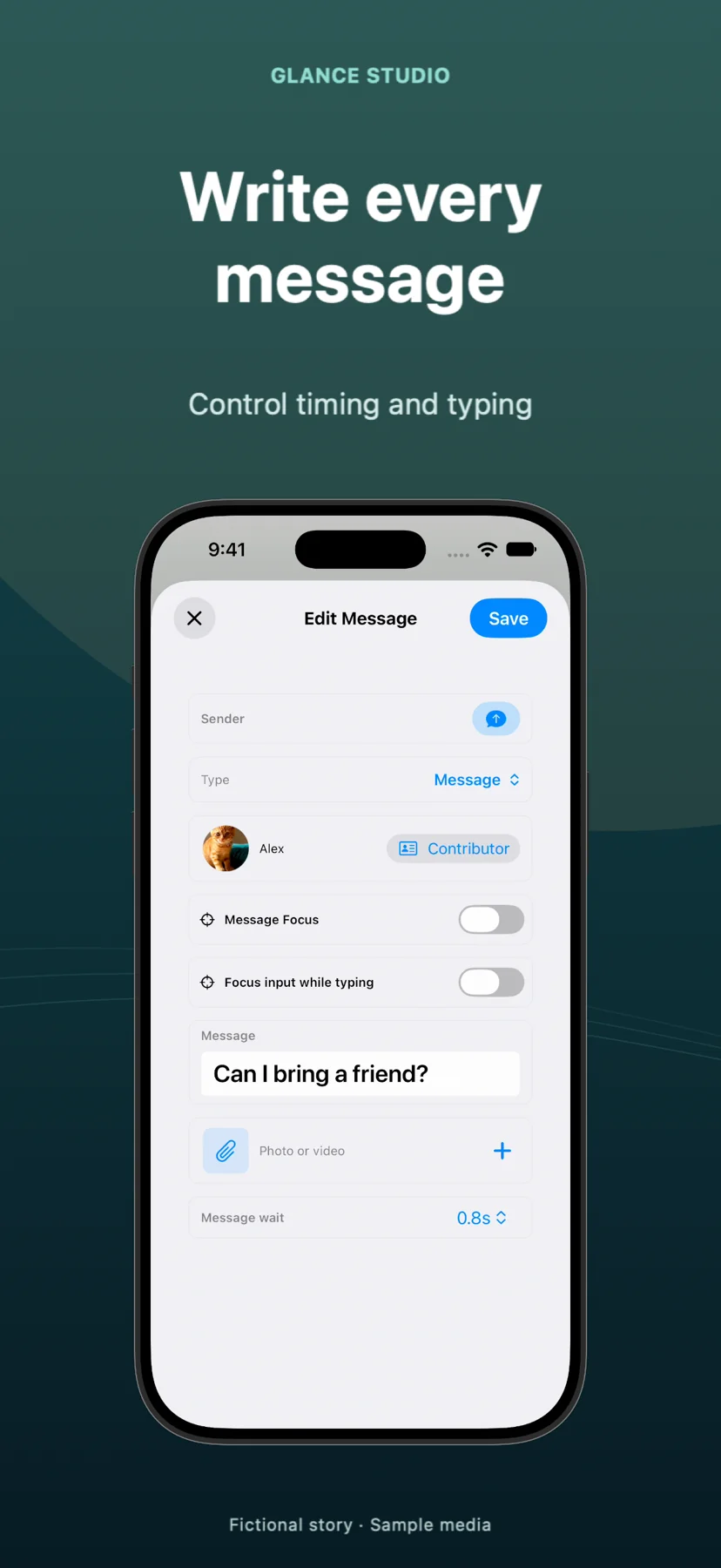
Browser screenshot generators struggle with rich media: you cannot play a 4-second product demo clip inside a JPEG bubble, nor can you trigger an opening hook banner and a delayed call to action after the punchline lands. Glance Studio supports up to 30 timed media changes per project, including trimmed video attachments with independent volume and fullscreen expansion.
Instead of mimicking outdated iOS 7/14 carrier status bars with stamped website watermarks, Glance Studio uses four modern, de-branded chat looks (classic blue, channel dark, purple, green) and never watermarks your video.
| Feature | Glance Studio | iFakeTextMessage-style Web Tools |
|---|---|---|
| Editable saved projects | Autosaved locally on iPhone, iPad or Mac (+ Mac render history) | Lost as soon as you close or refresh the browser tab |
| Inline video & fullscreen zoom | Supported with trim, audio volume & fullscreen duration | Not possible in static image output |
| Watermark | Never watermarked on iOS or Mac | Often includes site watermark unless cropped out |
| UI aesthetic | 4 crisp de-branded looks + 10–64 pt typography | Often dated OS status-bar imitations |
3. Cost and platform requirements
If you genuinely need a one-off static image for a slide or meme on a Windows PC, a free web screenshot generator takes 30 seconds in any browser. If you are publishing vertical video to TikTok, Reels, Shorts or mobile ad networks on Apple hardware, Glance Studio is also $0 to start on iPhone and iPad (with AdMob ads) or $4.99 once on Mac.
Note that Glance Studio requires iOS/iPadOS 26+ on mobile or macOS for Glance Studio Desktop.
| Goal | Use this tool | Why |
|---|---|---|
| Static PNG meme on Windows/Chromebook | Web screenshot generator | Instant image download in any browser |
| TikTok, Reels or Shorts chat story with suspense & audio | Glance Studio | Real 30 fps typing, 3D/flat stage, tones & voiceover |
| SaaS or mobile app feature demo inside a chat | Glance Studio | Supports inline video attachments & fullscreen playback |
Can Glance Studio save editable projects so I do not lose my script like in a browser form?
Yes. Projects save automatically on your iPhone, iPad or Mac so you can reopen, tweak timing or fix typos anytime, and the Mac app also keeps a render history per project.
Does Glance Studio add a website URL watermark to the corner like free web generators?
No. Exports are completely clean 1080×1920 MP4s with zero watermarks on both iOS and Mac.
Can I attach a real video clip inside a text message in Glance Studio?
Yes. Any message can include a photo or trimmed video with its own volume and expand fullscreen for as many seconds as you specify.
Does Glance Studio run in a web browser?
No. It is a native Apple app on the App Store for iPhone and iPad (id6774151809) and the Mac App Store for Mac (id6775389610).