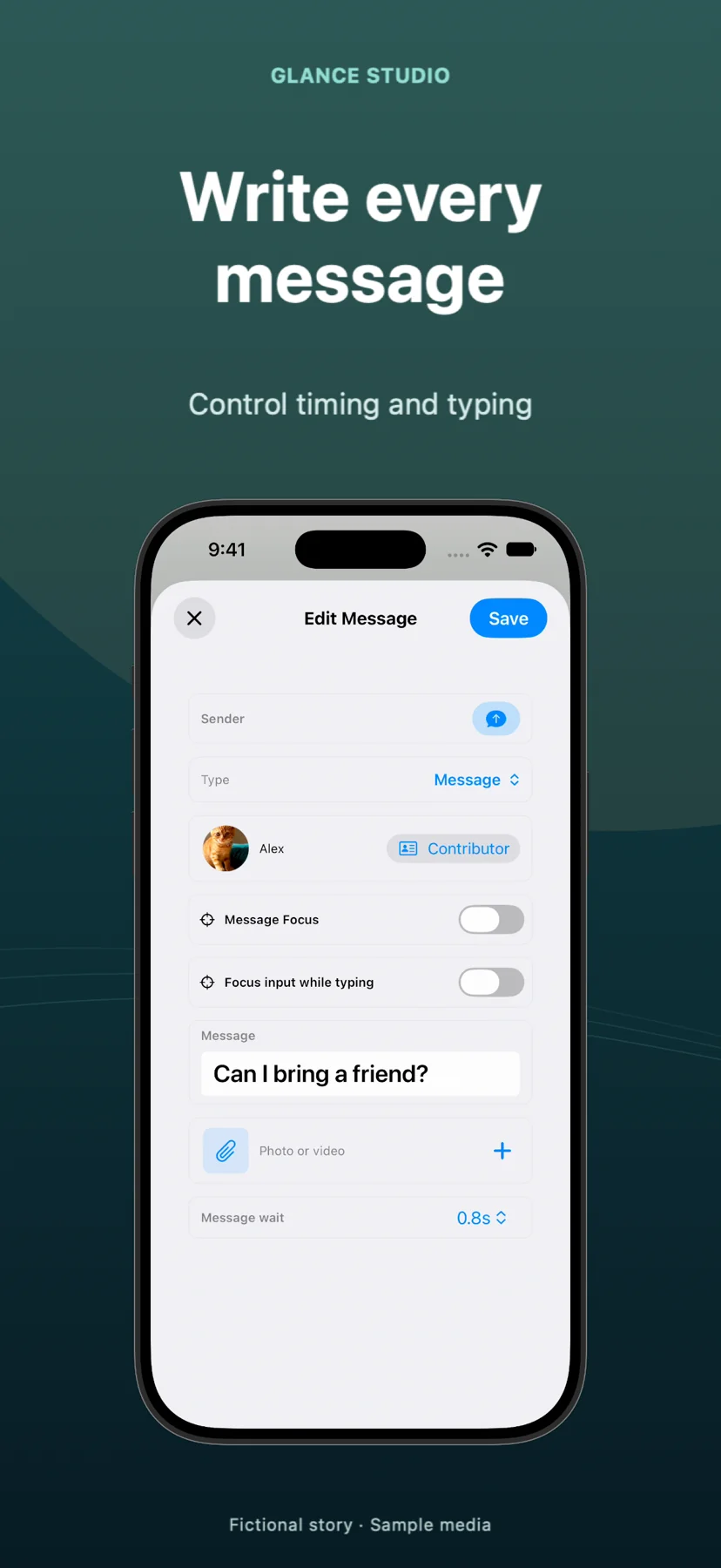
Text message animation: timing, typing and readable replies
Text message animation depends on when each reply arrives, not just how the bubbles look. In Glance Studio, write the exchange and adjust its timing before you add camera movement. A typing effect is most useful when it helps the viewer anticipate a meaningful response.
Separate typing time from reading time
A pause before a message and a pause after it serve different purposes. The first builds anticipation; the second lets the viewer understand the words. If both are long, the story can feel stalled. If both are short, the animation can feel rushed.
Make a first pass with restrained delays. Then watch it at normal speed on a phone. Mark the specific messages that need extra reading time instead of slowing the whole video.
Split messages at changes of thought
“I checked the hall, the kitchen and the balcony, and now I think the sound came from upstairs” has several beats. Try “I checked downstairs.” / “Nothing?” / “The sound is upstairs.” The shorter version gives each reply a distinct job.
Use differences between characters deliberately. A concise reply can contrast with an anxious explanation. Do not make every line equally short if that removes the voices that make the scene interesting.
Coordinate text with pictures and motion
When a photo contains a clue, leave time to inspect it. When a clip carries the answer, do not cover the important action with another long message. Preview the transition into fullscreen media and back to the conversation.
Camera movement should settle when the reader needs to concentrate. A dramatic phone angle is less useful if perspective makes the text small. Flat mode is a useful comparison when testing whether the staging helps.
Check the final reply and exported result
Let the final bubble remain visible after it arrives. Otherwise the last words can disappear just as the viewer reaches them. Watch the saved MP4 all the way through, including the first and last frames.
An animation of message bubbles is different from a captured live messenger session. Glance creates stylized scenes from the script you enter. Choose a tool based on that output rather than assuming every “text animation generator” reproduces a specific messaging service.