How to make a text message video on iPhone
A text message video animates a conversation you write. In Glance Studio, you build both sides of the exchange, choose a flat chat or a 3D phone, then export an MP4. You do not need to send real messages or record a private conversation.
Start with a short exchange
Write the ending first, then work backwards to the message that makes it interesting. For a first project, use six to ten short messages and two fictional characters. Give each message one job: ask, reveal, react or resolve. A long paragraph that works on a page is often difficult to read on a moving phone.
For example: “Did you leave the lights on?” / “I have not been home all day.” / “Then who is waving from the kitchen?” This is an invented scene, not a screenshot of an actual conversation.
Build and time the conversation
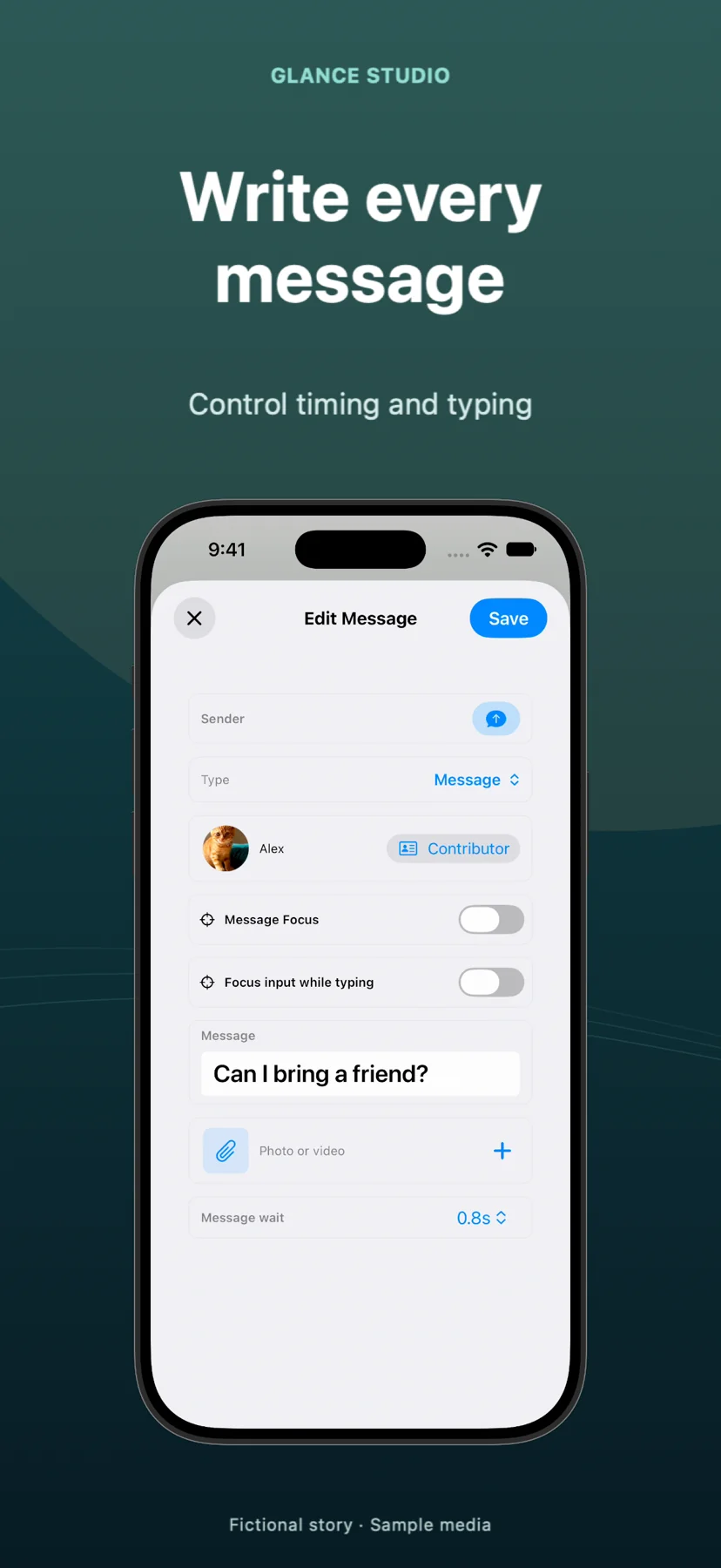
Create the characters, give them distinct names and avatars, and add incoming and outgoing messages in order. Preview the exchange before adding camera motion. Leave enough time to read every line once at a comfortable pace.
Typing is part of the story: a short pause can suggest hesitation; a long wait can make the video feel stalled. Change the delay around the important reply, rather than applying the same dramatic pause to every message.
Choose a stage that keeps the words readable
Flat chat keeps the conversation large and direct. A 3D phone adds depth, materials and camera movement. Use a restrained angle so perspective does not make the text hard to read. Preview on a phone-sized display, not only a large monitor.
Attach a photo or video when it adds information the dialogue cannot. Check the transition into fullscreen playback and back into the conversation.
Review the exported file
Export the vertical MP4, then watch that file from beginning to end. Look for unreadable text, an abrupt ending, music that competes with dialogue, and content hidden by the social platform’s interface. Saving a project is different from exporting a finished video.
Glance animates scripts you write. It does not retrieve private chats, send messages or guarantee views. Publish the result with context that makes staged conversations clear.