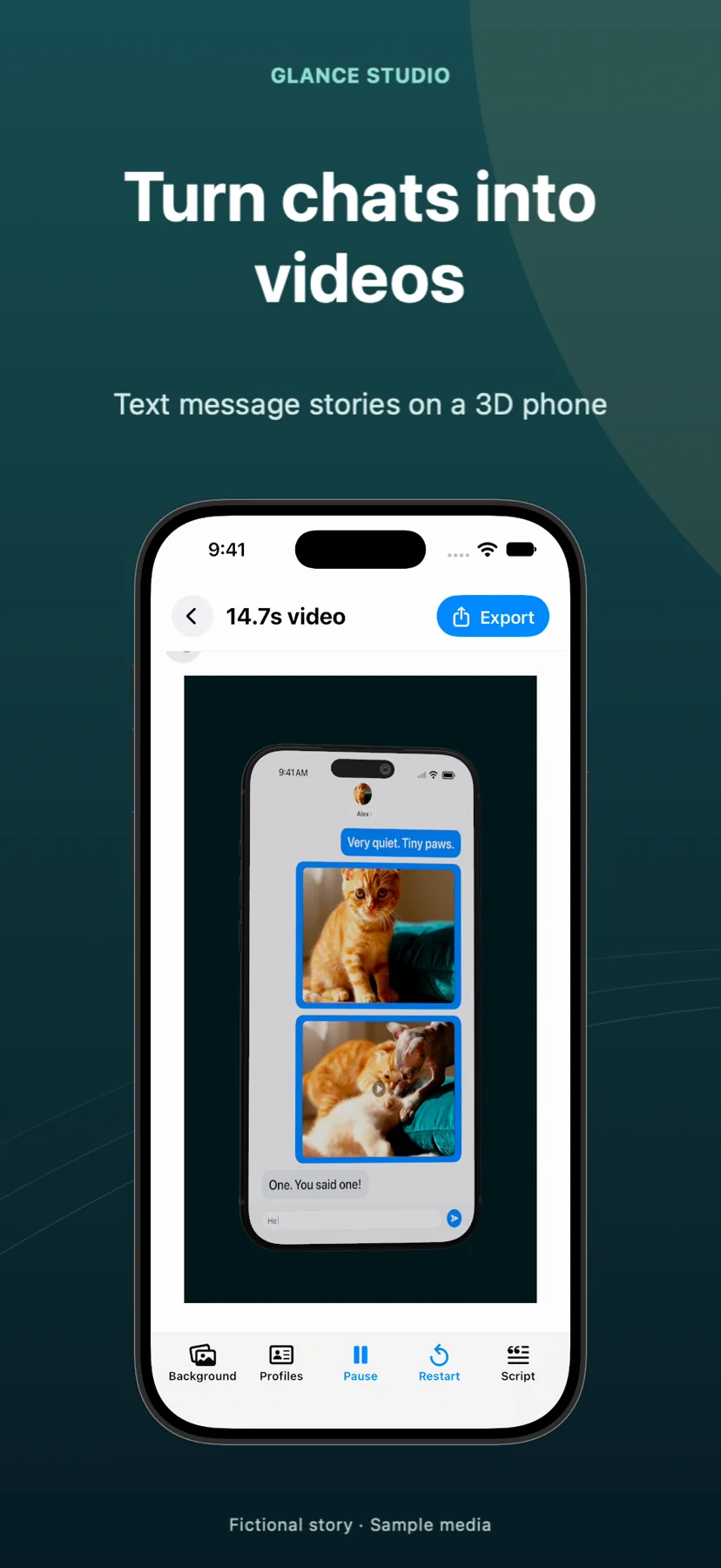
Make a chat story video for Instagram Reels
A chat-style Reel can turn a small everyday exchange into a visual sketch or a product explanation. Build the message animation in Glance Studio, export the MP4 and finish the post in Instagram. The text, cover and caption should tell the same story.
Give the Reel one recognizable situation
Choose a moment that does not need a paragraph of backstory: arranging a surprise, misunderstanding a delivery or explaining one product feature. Write the result you want the viewer to understand, then build the exchange that leads there.
For a fictional shop demo: “Is the notebook pocket-sized?” / “Here it is beside my phone.” Attach your own product photo to answer the question visually. Do not present invented customer dialogue as a real testimonial.
Compose for the video and its cover
Choose flat chat for longer replies or a 3D phone when the device adds to the presentation. Keep character names distinct and avoid filling every corner with text, logos and decorative elements. A paused frame should still look intentional.
Select a cover that explains the premise without revealing the entire payoff. Check how Instagram previews that cover and crops the uploaded video in the surfaces where you will share it. Keep important words away from the outer edges rather than assuming the full canvas is always visible.
Balance message audio and added music
Preview the story with sound off to confirm the bubbles carry the meaning. If you add music in Instagram or another editor, listen again after that step: a louder soundtrack can make a previously clear voiceover difficult to follow.
Keep a version without platform-added music for later reuse. Music available for one posting context is not evidence that the same recording can be used everywhere. Choose your own or appropriately licensed audio for the master file.
Check the saved MP4 before posting
Export from Glance and watch the file in Photos or a video player. Confirm that attached media appears at the right moment and the last reply is not cut short. Upload the file into your Reel draft and check the crop, cover and caption together.
A useful caption supplies context or a question; it should not be necessary to understand every line of the video. Save the Glance project so that changing a product detail later does not require rebuilding the animation.