How to make a texting story video for TikTok
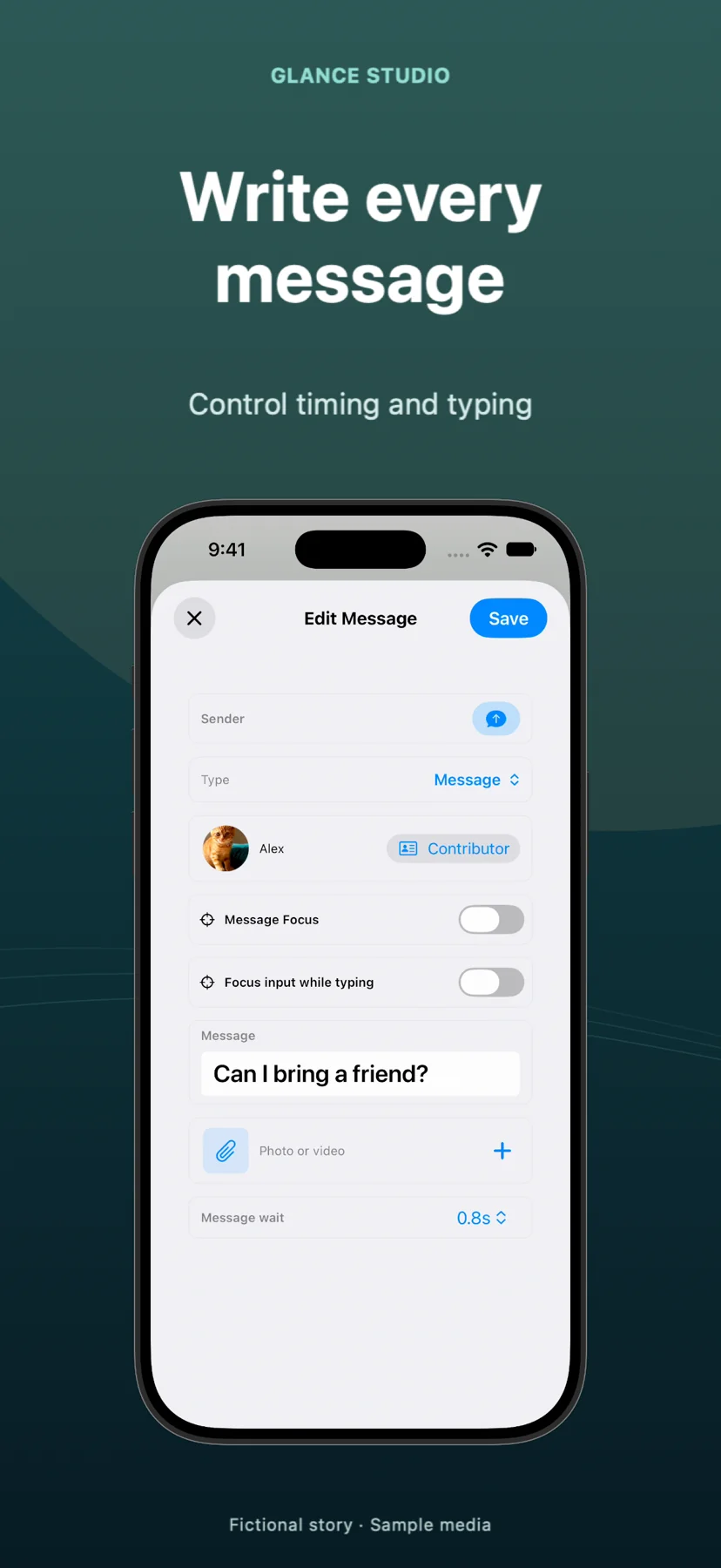
A TikTok texting story tells its story through messages that appear in sequence. Use Glance Studio to write both sides, set the rhythm and export a vertical MP4, then upload that file to TikTok. Publishing happens in TikTok; Glance does not post to your account.
Write the first message as the opening scene
Start with a question the next reply can complicate. For an original comedy sketch: “Did you label the moving boxes?” / “Yes. Everything says miscellaneous.” / “Including the cat carrier?” The opening establishes a situation without a separate introduction.
Build a short first cut of six to ten messages. That is an editing exercise, not a platform limit. Keep names and the situation understandable to someone who has never seen your channel. Remove lines that repeat what the image already shows.
Build a readable vertical composition
Enter the incoming and outgoing messages in Glance, add character names and preview the timing. Flat chat prioritizes text. A 3D phone gives the exchange a physical stage; keep the angle restrained so the important words stay readable.
Choose a still background or a calm clip you own. A moving background should not compete with a long reply. Check the result at phone size, and leave room around the conversation for the caption and controls that TikTok places over the video. There is no single safe margin that fits every interface.
Finish the audio and ending
Watch the entire conversation without sound first. If it needs narration, use the voiceover options available on your device, or add narration later. Optional on-device speech requires its model download and compatible hardware. Do not speed up the writing just to match a music beat.
Let the final reply stay visible long enough to read. A complete joke or reveal is a stronger first test than an unfinished scene with an instruction to follow for the answer.
Export, upload and inspect the draft
Export the MP4 and play the saved file outside Glance before opening TikTok. Import it as a video upload, review its crop and audio, and check the cover and caption before publishing. TikTok also provides editing tools after upload; its current help page is linked below.
Keep a clean original export for revisions. If text is obscured, adjust the project composition rather than adding another layer of tiny captions. Label the staged story appropriately and compare different openings without assuming any format guarantees views.