How to Make a Staged Texting Story Video With On-Device AI Voices for TikTok and Reels
When creators search for how to make a fake iMessage or WhatsApp texting story video for TikTok, Reels, or Shorts, what they usually need is a clean, readable vertical chat animation that avoids trademarked app logos and expensive cloud TTS bills. Glance Studio offers four de-branded messenger looks, an optional 3D iPhone stage, and on-device Maya1 English voice generation.
Why de-branded chat looks beat static screenshot pasting
Stitching together twenty static screenshots in a timeline editor takes hours and looks stiff. Worse, tools that copy exact trademarked messenger headers or force a giant watermark over the bottom message ruin the scene.
Glance Studio provides four stylized, de-branded chat looks that immediately signal a text exchange while keeping focus on your original dialogue.
| Feature / Limit | Glance Studio Specification | Practical Benefit for Short-Form Video |
|---|---|---|
| Visual Chat Styles | 4 de-branded messenger looks | Familiar bubble hierarchy without third-party brand clutter |
| Stage Modes | 3D iPhone stage or Flat full-screen chat | Use 3D for depth or Flat for maximum text legibility |
| Project Capacity | Up to 30 messages, 30 media changes, 5 contributors | Sized for tight 15- to 60-second vertical story arcs |
| Video Output | 1080x1920 vertical at 30 fps (HEVC or H.264), no watermark | Ready for TikTok, Instagram Reels, and YouTube Shorts |
Build and export a voiced texting story in 5 steps
Start with a short six- to twelve-message script so you can test both visual timing and spoken pacing before writing a full 30-message scene.
- Open Glance Studio on your iPhone, iPad (iOS 26+), or Mac and create up to five fictional contributor profiles with distinct names and avatars.
- Pick one of the four de-branded chat looks and toggle between the 3D iPhone model and Flat chat mode.
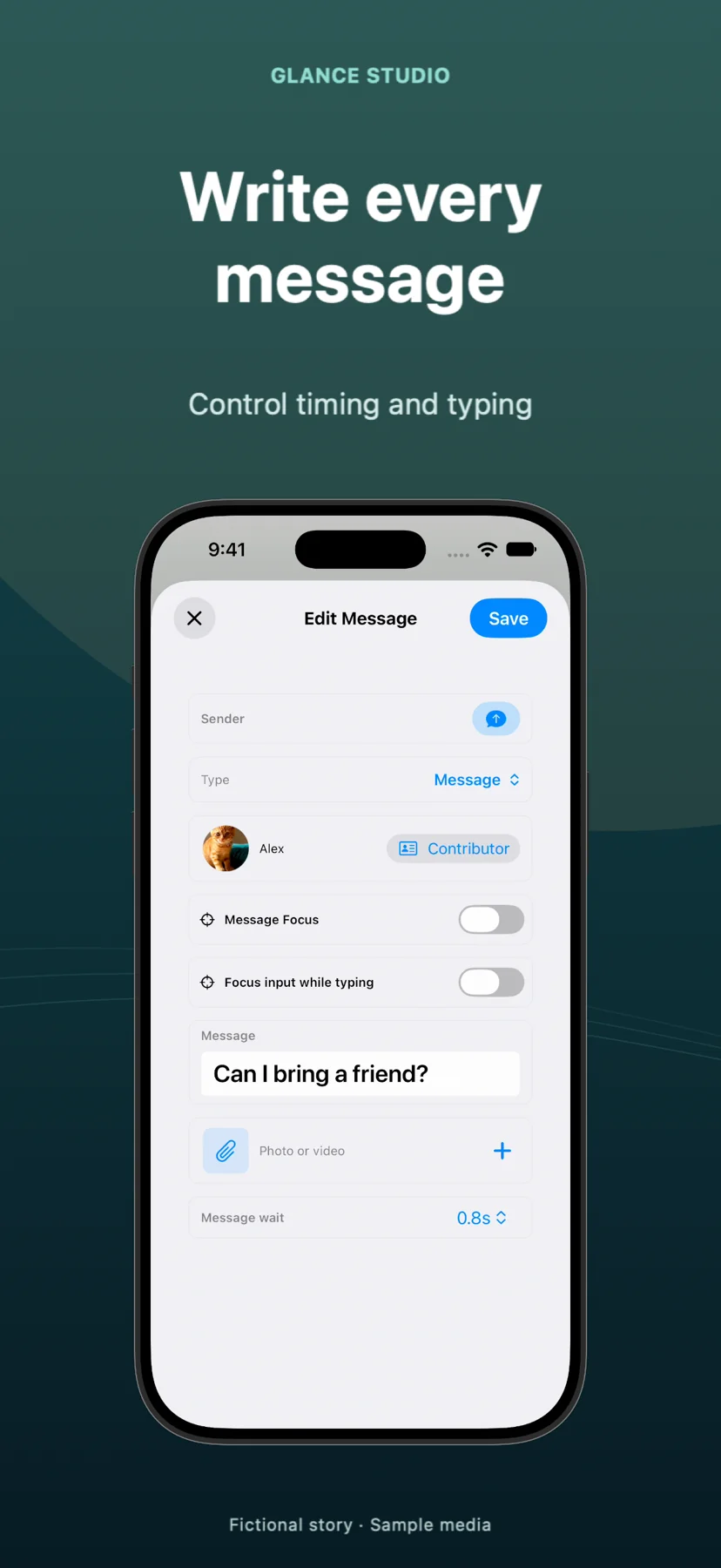
- Enter your incoming and outgoing messages in sequence, adjusting typing indicators and reveal pauses around the key twist.
- If you want English voiceover, complete the one-time Maya1 model weights download from Hugging Face and generate on-device speech for each character.
- Export the 1080x1920 30 fps MP4 (HEVC or H.264) and review the saved file in Photos before uploading to TikTok or Reels.
Label fictional and reenacted conversations honestly
Glance Studio is a creative animation studio for fictional scripts, comedy sketches, and transparent product demos—never a tool to fabricate real private messages or fake customer endorsements. Always label staged stories clearly when publishing.
Does Glance Studio replicate official iMessage or WhatsApp trademarks?
No. Glance Studio uses four stylized, de-branded chat looks designed for original storytelling without copying proprietary messenger branding.
Does the on-device AI voiceover require a paid cloud subscription?
No. Voiceover uses the Maya1 model running locally on your device after downloading its weights from Hugging Face, and supports English speech.
Does Glance Studio add a watermark to exported videos?
No. Both the free ad-supported iOS app and the $4.99 one-time Mac app export 1080x1920 MP4 videos with no watermark.