How to Keep Multiple AI Voiceover Speakers Consistent Across a Chat Story Video
A narrated texting story falls apart when both sides of the conversation sound like the exact same narrator reading a grocery list. Keeping each character's voice, sentence rhythm, and bubble timing distinct lets viewers follow the exchange effortlessly—with or without sound.
How contributor profiles and on-device Maya1 voiceover work
Glance Studio supports up to five contributors in a single project and integrates on-device English speech generation powered by the Maya1 model (whose weights download once from Hugging Face).
Because speech generation runs locally on your Apple hardware rather than charging per-character cloud tokens, you can audition and regenerate lines until the conversation flows naturally.
| Speaker Element | How to Differentiate Characters | Why It Matters in Vertical Video |
|---|---|---|
| Contributor Profile (Up to 5) | Distinct short name, contrasting avatar, fixed incoming/outgoing side | Lets silent viewers track who is speaking immediately |
| On-Device Maya1 Voice (English) | Assign consistent voice characteristics per contributor | Prevents incoming and outgoing replies from sounding identical |
| Writing Cadence | Pair a concise, clipped texter with a more descriptive responder | Creates natural dramatic contrast before the reveal |
Step-by-step: set up a two-speaker narrated exchange
Prepare the voice model on Wi-Fi first so you are not waiting on weight downloads while editing your script.
- Open Glance Studio and download the Maya1 voiceover model weights if you have not already installed them on your device.
- Create two contributor profiles with clearly contrasting names and avatars.
- Write a short six-message test script in English, spelling out numbers and abbreviations the way you want them spoken aloud.
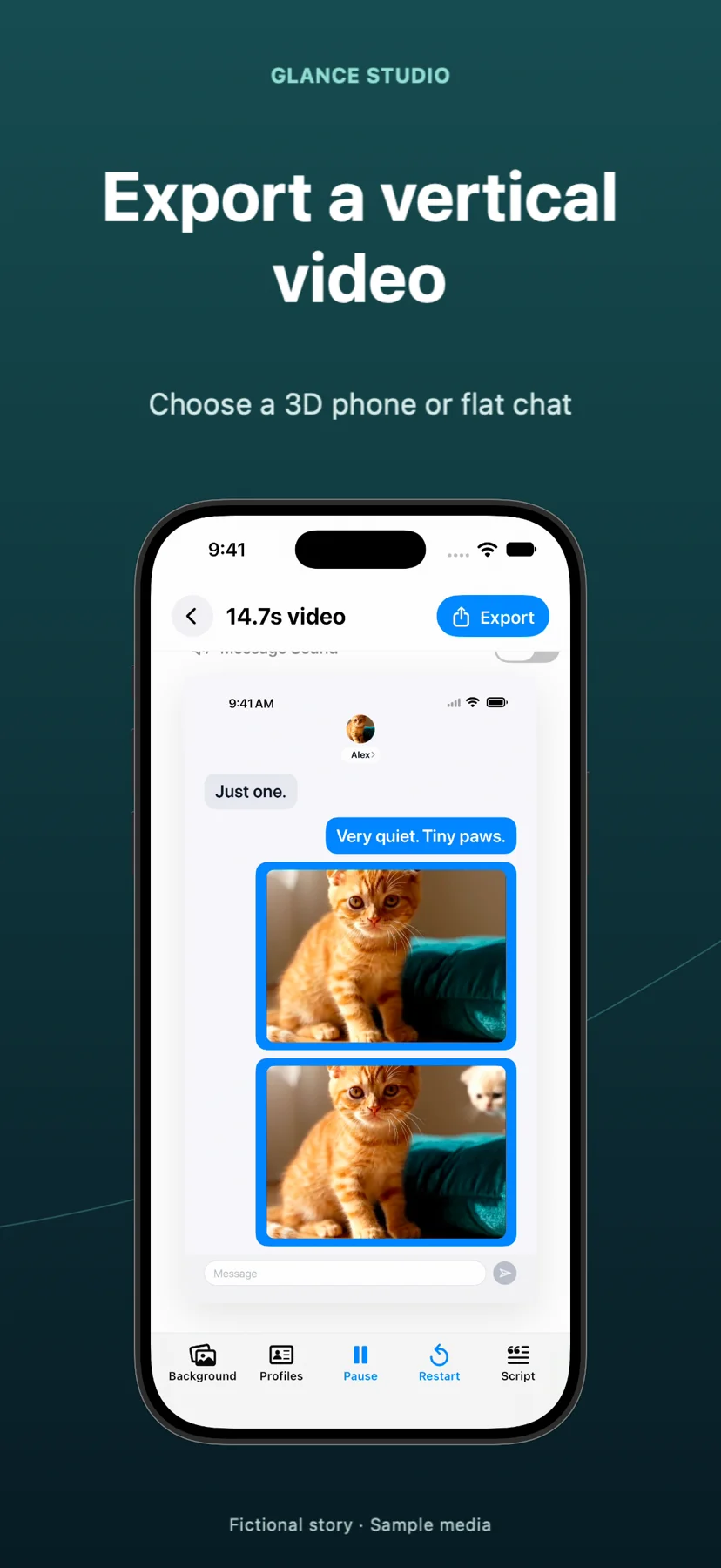
- Generate the voiceover for both contributors and preview the timeline to verify that the next bubble does not pop up while the previous speaker is still mid-sentence.
- Lower any background music track so spoken consonants remain crisp on a phone speaker, then export your 1080x1920 MP4.
Remember that Maya1 voiceover is English-only
While Glance Studio's interface is localized into many languages, the on-device Maya1 voiceover engine supports English speech only. If you write scripts in another language, design the animation for silent reading with message sound effects or add external narration in a video editor.
How many characters can participate in one Glance Studio chat project?
Release builds support up to 5 contributors and up to 30 messages in a single project.
Why does voiceover require a model download before first use?
Glance Studio generates speech on-device using the Maya1 model. Downloading the weights from Hugging Face once enables local generation without per-line cloud fees.
Does the built-in AI voiceover speak non-English languages?
No. On-device Maya1 voiceover is English-only. Test your exact English lines on your device before planning a multi-episode batch.