How to Export a 1080x1920 Vertical Chat Video on iPhone or Mac Without a Watermark
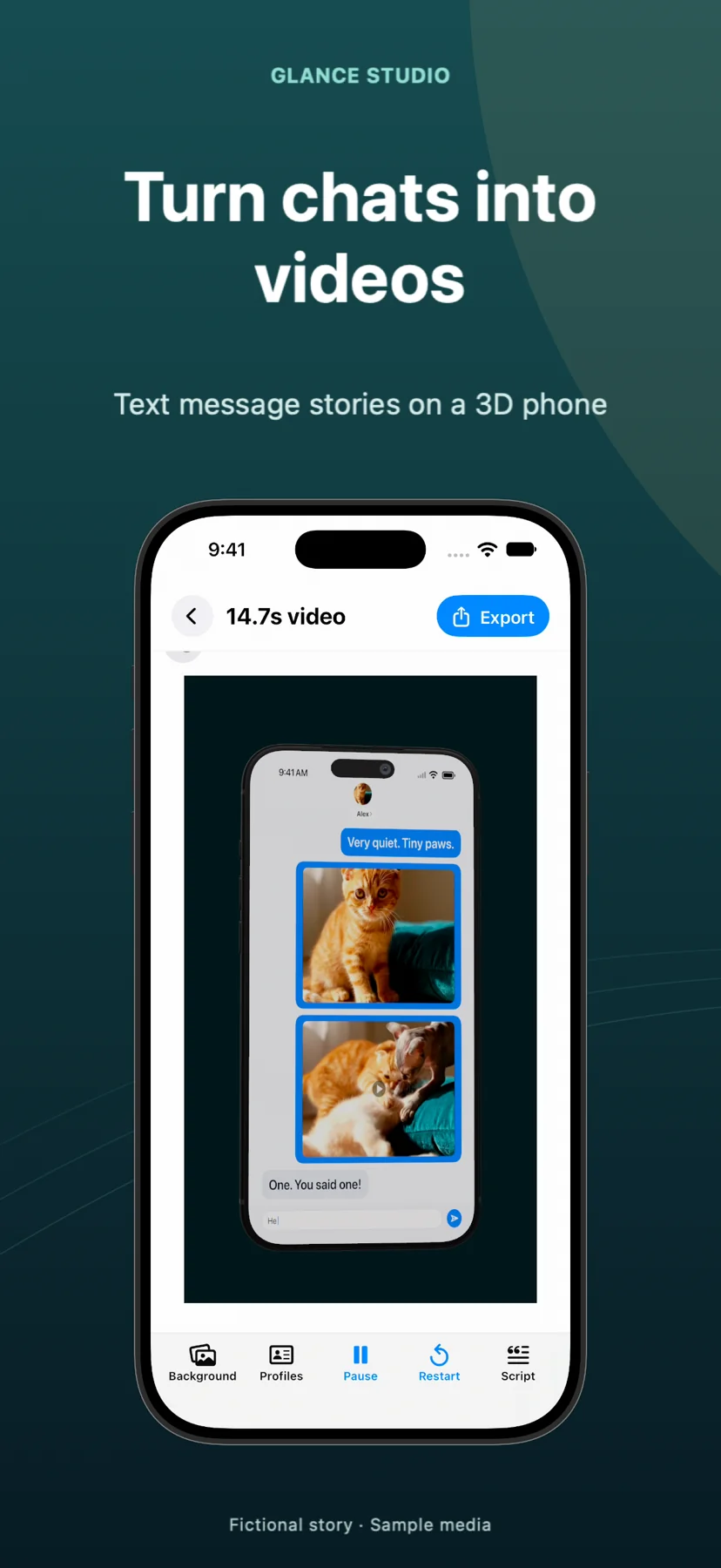
Many texting story apps let you write a script for free and then stamp a large logo across the exported video unless you sign up for a weekly subscription. Glance Studio exports clean 1080x1920 vertical videos at 30 fps with zero watermark on both iOS and macOS.
How Glance Studio handles pricing, ads, and watermark-free exports
Understanding the difference between in-app ads and video watermarks saves unpleasant surprises at export time. On iPhone and iPad, Glance Studio is free to download and supported by AdMob ads (an ad when opening the app and a rewarded video before each export), while the exported MP4 itself carries no watermark.
If you prefer working on desktop with zero ads and zero subscriptions, Glance Studio Desktop on the Mac App Store is a $4.99 US one-time purchase.
| Platform | Price Model | In-App Ads | Export Resolution & Codecs | Watermark on Video? |
|---|---|---|---|---|
| iPhone & iPad (iOS 26+) | Free download | Ad on open + rewarded ad before export | 1080x1920 at 30 fps (HEVC or H.264) | None — 100% watermark-free |
| Mac (Glance Studio Desktop) | $4.99 one-time purchase | No ads, no in-app purchases | 1080x1920 at 30 fps (HEVC or H.264) | None — 100% watermark-free |
Choose between HEVC and H.264 when exporting your MP4
Glance Studio lets you pick between HEVC (H.265) and H.264 encoding at export time so your file matches your editing and upload pipeline.
- Finish previewing your chat timing, 3D iPhone camera angles, and audio levels inside the editor.
- Open the export panel and choose HEVC for smaller file sizes on modern Apple devices, or H.264 for maximum compatibility with older third-party editors.
- On iPhone or iPad, complete the rewarded ad prompt to start the render; on Mac, rendering begins immediately.
- Play the finished 1080x1920 30 fps video from start to finish in Apple Photos or QuickTime to verify the final bubble stays onscreen long enough to read.
Keep important bubbles inside vertical social safe zones
Even on a clean 1080x1920 canvas, TikTok, Instagram Reels, and YouTube Shorts overlay account names, captions, and action buttons along the bottom and right edges. Preview your 3D iPhone scale or Flat chat margins so the punchline never sits underneath platform UI.
Is there really no watermark on the free iPhone version of Glance Studio?
Correct. Exported 1080x1920 videos carry no watermark. The iOS app is supported by AdMob ads shown inside the app before exporting.
Should I export in HEVC or H.264 for TikTok and CapCut?
Both work well on iOS and macOS. Choose H.264 if you plan to transfer the file to older Windows editors, or HEVC for smaller file sizes at the same visual quality.
Does the Mac version require a monthly subscription?
No. Glance Studio Desktop on the Mac App Store is a $4.99 US one-time purchase with no ads and no in-app purchases.