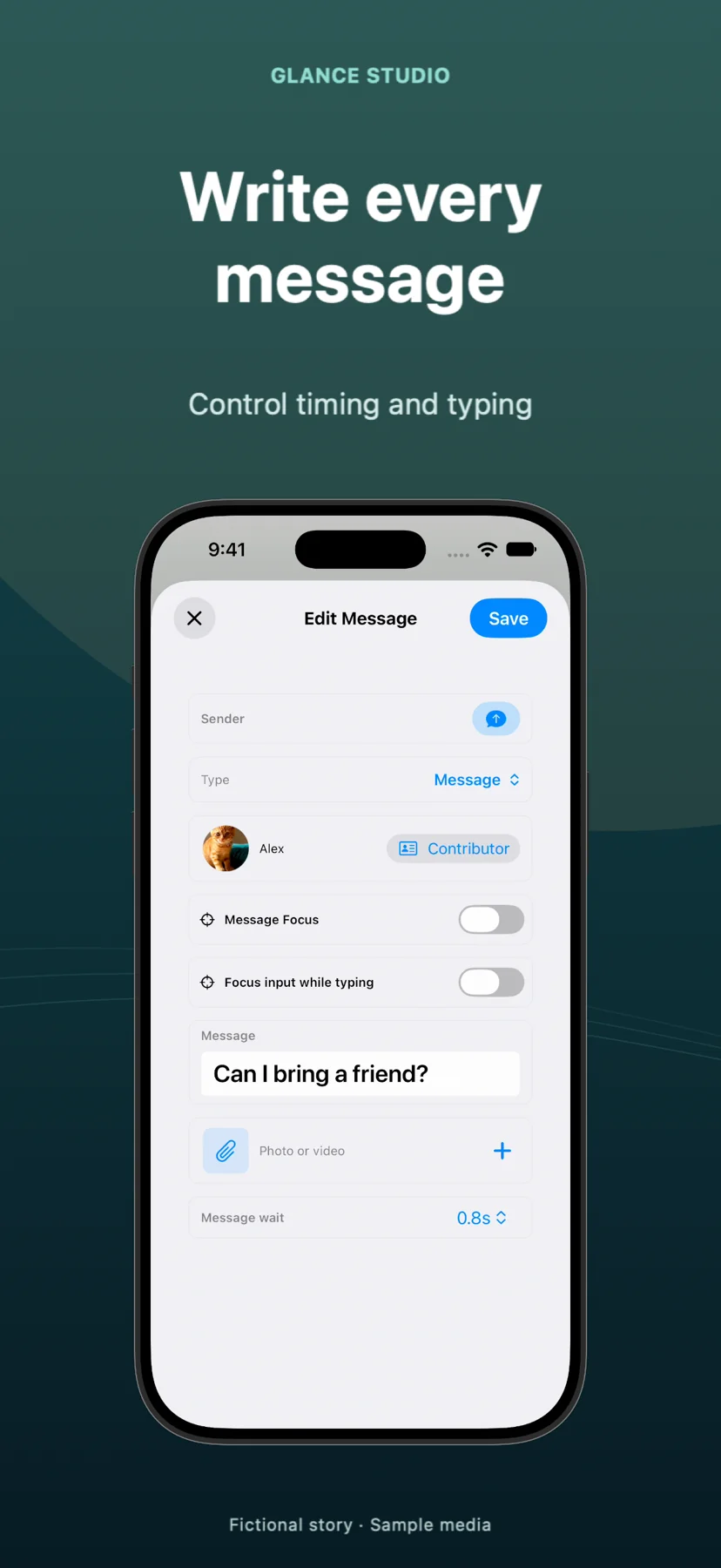
Glance Studio vs Premiere Pro & Final Cut Pro chat plugins: full 3D chat scenes vs timeline callout packs
Premiere Pro MOGRT packs and Final Cut Pro `.motn` text-message plugins are designed to pop 2 or 3 quick SMS callout bubbles next to an actor in a live-action scene. When the conversation itself IS the 15-to-45-second vertical video—with simulated keyboard typing, 5 participants, scrolling history, 3D iPhone camera moves and spoken dialogue—Glance Studio builds the entire sequence far faster at $0 on iOS or $4.99 on Mac.
1. On-screen callout plugins vs full-thread conversation staging
NLE title packs (from MotionVFX, Envato or FxFactory) shine when a vlog or documentary shows a character glancing at their coat pocket while two floating text bubbles appear beside their shoulder. Try stacking 20 consecutive replies with those plugins, however, and you end up wrestling 20 overlapping timeline clips, manually nudging Y-coordinates every 45 frames so older bubbles scroll upward in unison.
Glance Studio treats the entire thread as one cohesive scene—handling continuous chat scrolling, avatar grouping for up to 5 contributors, room-entry notices, sent/received/viewed ticks and simulated keyboard typing automatically.
| Use case or mechanic | Glance Studio | Premiere MOGRTs / Final Cut Chat Plugins |
|---|---|---|
| 2–3 floating bubbles over an actor’s shoulder | Not designed for alpha callouts (exports full 9:16 MP4) | Ideal native timeline title overlay |
| 10–30 message continuous scrolling story | Automatic thread layout, scroll & delivery state timing | Tedious manual multi-lane clip stacking & Y-offset keyframes |
| 3D iPhone stage & camera choreography | Included (5 finishes, pitch/yaw/roll + 7 focus moves) | Sold separately as expensive 3D mockup plugins |
| Live keyboard typing bar | Simulated in letters per minute with text area focus | Rarely included or rigid fixed-text animation |
| Inline fullscreen video attachments | Native per-message video trim, volume & fullscreen expand | Requires manual compound clips & scale keyframes |
2. Audio workflow: built-in Maya1 voiceover and tones vs manual SFX
In Premiere Pro or Final Cut Pro, giving a 20-line chat video realistic audio means spotting pop/whoosh WAV files onto every single timeline cut and importing external voiceover stems for each character. Glance Studio automatically pairs messages with your choice of four message tones (or silence), mixes a trimmed background music track, and generates local English dialogue per message via the embedded Maya1 model.
When a project blends live-action interviews with a standalone vertical chat segment, editors render the 1080×1920 HEVC or H.264 MP4 from Glance Studio Desktop ($4.99 on Mac) and drop that master clip straight into Final Cut Pro or Premiere’s vertical timeline.
| Audio / workflow feature | Glance Studio | Premiere Pro / Final Cut Pro + Plugins |
|---|---|---|
| Message arrival sound effects | Automatic (choose from 4 built-in tones or none) | Manual SFX placement per bubble clip on audio lanes |
| Character voiceover | Built-in on-device Maya1 (15 presets + custom description, English) | Record mic tracks or import external cloud TTS files |
| Hooks & push notification banners | Integrated opening hook, push banner & delayed CTA | Separate title plugin tracks required |
| Mac file workflow | Save MP4 to any Finder folder + per-project render history | Full NLE library/project management, ProRes & XML |
3. Cost comparison: $4.99 Mac app vs $49–$99 single-pack plugins
Even if you already own Final Cut Pro ($299.99) or pay for Premiere Pro ($22.99/month), a single commercial chat-bubble + 3D-phone plugin bundle typically costs $49 to $99—and locks you to your desktop workstation. Glance Studio Desktop costs $4.99 total on the Mac App Store, while the iPhone and iPad app is $0 (ad-supported), letting producers draft or finish vertical chat spots anywhere.
Keep Glance Studio’s scope clear: 1080×1920 30 fps vertical output only, 4 de-branded chat looks, and up to 30 messages, 30 media changes and 5 contributors per project.
| Comparison point | Glance Studio | NLE + Paid Chat/3D Plugin Pack |
|---|---|---|
| Add-on cost for chat & 3D phone | $0 (iOS w/ ads) or $4.99 one-time (Mac) | $49–$99+ per plugin pack on top of NLE license |
| Works on iPhone & iPad | Yes (iOS/iPadOS 26+) | No (desktop plugins do not transfer to mobile apps) |
| Horizontal 16:9 / 4K support | No (9:16 1080×1920 at 30 fps only) | Yes (any timeline resolution & frame rate) |
| Watermark | None | None on licensed plugins |
Can I drop a Glance Studio export directly into Final Cut Pro or Premiere Pro?
Yes. Glance Studio exports standard 1080×1920 30 fps MP4 files encoded in HEVC or H.264 that import cleanly into Final Cut Pro, Premiere Pro, DaVinci Resolve and Wonek Video Studio.
When is a Final Cut or Premiere plugin still better than Glance Studio?
Use an NLE plugin when you need 2–3 transparent chat bubbles floating over a 16:9 widescreen film scene next to an actor, or when you must match 24/60 fps 4K footage natively.
Does Glance Studio Desktop on Mac have any recurring fees or plugin upsells?
No. Glance Studio Desktop is a single $4.99 purchase on the Mac App Store with no ads, no subscriptions and no in-app purchases.
How many font sizes and chat themes can I configure in Glance Studio?
You get four stylized chat looks (classic blue, channel dark, purple, green) and independent text-size sliders from 10 to 64 points for hooks, messages and calls to action.