Glance Studio vs Wonek Video Studio: 3D scripted chat stories vs full local AI Mac timeline editor
Both Glance Studio and Wonek Video Studio are published by Arte Soft EOOD with local Hugging Face AI models and zero cloud lock-in, yet they solve completely different stages of video production. Glance Studio ($0 iOS w/ ads, $4.99 Mac one-time) builds scripted 2-to-5 person chat-story videos on a 3D iPhone or flat stage; Wonek Video Studio (Mac, free w/ watermark or Pro $11.99/mo · $79.99/yr) is a full multi-track timeline editor with local Whisper Auto Clips, Auto Subtitles, Thumbnail Studio, BYOK AI video and YouTube publishing.
1. Scene generator vs full multi-track Mac editing workstation
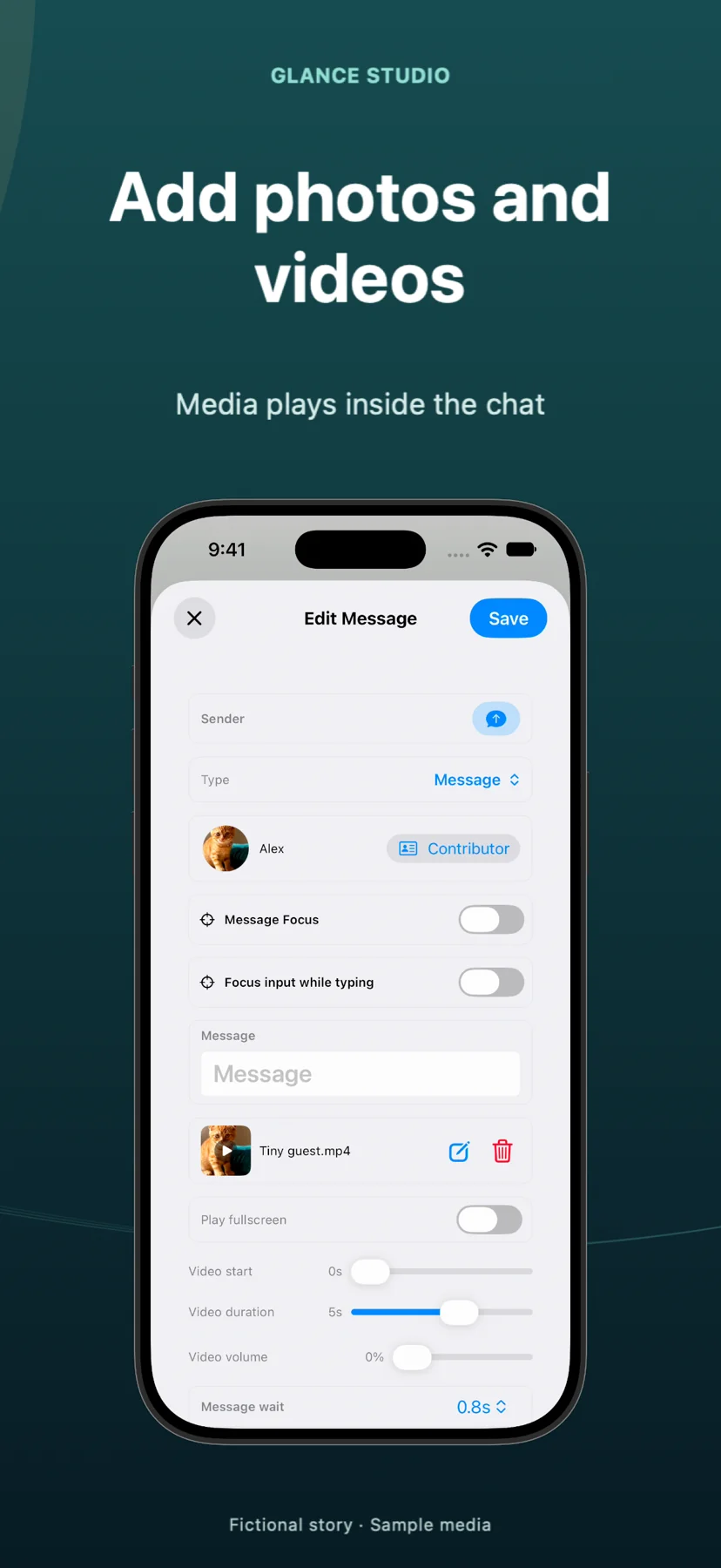
Glance Studio is a specialized scene studio for iPhone, iPad and Mac: you write up to 30 messages across up to 5 contributors, set simulated keyboard typing speeds, attach inline photos or fullscreen videos, stage the conversation on a 3D iPhone in five finishes (or flat mode), and export a finished 1080×1920 30 fps vertical MP4.
Wonek Video Studio (`macOS 26`, Apple silicon recommended, Mac App Store `id6761376446`) is a full non-linear editor and channel production suite: unlimited video/audio lanes, J-K-L trimming, chroma key, masks, DeepFilterNet noise removal, local Whisper transcription, Qwen/Gemma highlight clipping (Auto Clips), translated Auto Subtitles, Thumbnail Studio (39 templates), BYOK LTX / Google Veo 3.1 / OpenAI generation, and direct YouTube upload.
| Capability | Glance Studio | Wonek Video Studio |
|---|---|---|
| Primary job | Scripted 2–5 person chat videos on a 3D iPhone or flat stage | Full multi-track Mac NLE, Auto Clips, subtitles & YouTube studio |
| Supported Apple platforms | iPhone & iPad (iOS 26+) AND Mac (macOS) | Mac only (macOS 26, Apple silicon recommended) |
| 3D phone chat choreography | Yes (5 finishes, camera angles, 7 focus moves, 4 chat looks) | No built-in chat-bubble or 3D phone generator |
| Multi-track timeline & ProRes / 4K | No (single scene up to 30 messages; 1080×1920 30 fps MP4) | Yes (360p–2160p 4K, 5 aspect ratios, H.264, HEVC & ProRes) |
| Auto Clips, Auto Subtitles & Thumbnails | Not included | Included in Wonek Pro (local Whisper + Qwen/Gemma) |
2. Shared local Maya1 DNA—and how the two apps pair together on Mac
Both apps share Arte Soft’s commitment to local, zero-token voice synthesis via the open Maya1 model downloaded once from Hugging Face. In Glance Studio, Maya1 voices individual chat bubbles (15 presets plus custom descriptions, free on iOS and included in the $4.99 Mac purchase). In Wonek Video Studio (Pro), the Voice Studio uses Maya1 for segment-by-segment narration with word timings, emotion cues and Slideshow Studio.
On a Mac, the two apps form a seamless zero-cloud pipeline: export two or three 30-message 3D chat scenes from Glance Studio Desktop, drop those clean 1080×1920 MP4s onto Wonek Video Studio’s multi-track timeline to assemble a 3-minute episode, design a ranked cover in Thumbnail Studio, and upload straight to YouTube.
| AI / privacy dimension | Glance Studio | Wonek Video Studio |
|---|---|---|
| Local voiceover model | Maya1 (included in free iOS & $4.99 Mac app) | Maya1 Voice Studio & Slideshow Studio (Wonek Pro) |
| Other bundled/downloaded local models | None needed | Whisper (ASR), Qwen & Gemma (clips/translation), DeepFilterNet (noise) |
| Cloud AI video/image generation | None | Optional BYOK with your own LTX, Google (Veo 3.1) & OpenAI keys |
| User accounts & analytics | No account; AdMob on iOS only; 0 ads/analytics on Mac | No account, no ads, no analytics |
3. Pricing, watermarks and choosing the right app first
Glance Studio never watermarks exports: iOS is $0 with AdMob ads, and Glance Studio Desktop on Mac is a $4.99 one-time purchase. Wonek Video Studio’s free Mac download gives you the full multi-track editor and BYOK AI generation with a moving "Wonek Video Studio" watermark on video exports, while Wonek Pro ($11.99/month with a 1-week free trial, or $79.99/year) removes the watermark and unlocks Auto Clips, Auto Subtitles, Voice/Slideshow Studio, Bulk Video, Thumbnail Studio and YouTube publishing.
Start with Glance Studio if your content IS scripted text-message conversations; start with Wonek Video Studio if you cut podcasts, talking-head videos, long recordings or multi-track timelines on a Mac.
| Pricing detail | Glance Studio | Wonek Video Studio |
|---|---|---|
| iOS / iPadOS price | $0 free (with AdMob open + export-rewarded ads) | Not available on iOS/iPadOS (Mac app only) |
| Mac price | $4.99 one-time purchase (Glance Studio Desktop) | Free (watermarked) · Pro $11.99/mo (1 wk free) or $79.99/yr |
| Watermark behavior | Never watermarked on iOS or Mac | Moving watermark on Free video exports; clean on Pro |
| App Store IDs | iOS id6774151809 · Mac id6775389610 | Mac id6761376446 |
Are Glance Studio and Wonek Video Studio made by the same developer?
Yes. Both apps are built and published by Arte Soft EOOD (`office@arte-soft.com`), each focused on a distinct part of a creator’s workflow.
Can I combine multiple 30-message Glance Studio exports inside Wonek Video Studio?
Yes. Export your 1080×1920 MP4 scenes from Glance Studio Desktop and splice them together with transitions, audio ducking and YouTube publishing in Wonek Video Studio.
Does Glance Studio require Wonek Pro or any API keys to use Maya1 voiceover?
No. Maya1 voiceover is included right inside Glance Studio on both the free iOS app and the $4.99 Mac app with no API keys required.
Which app should I pick if I only have an iPhone or iPad?
Pick Glance Studio—it runs natively on iPhone and iPad (`iOS 26+`), whereas Wonek Video Studio requires a Mac running `macOS 26`.