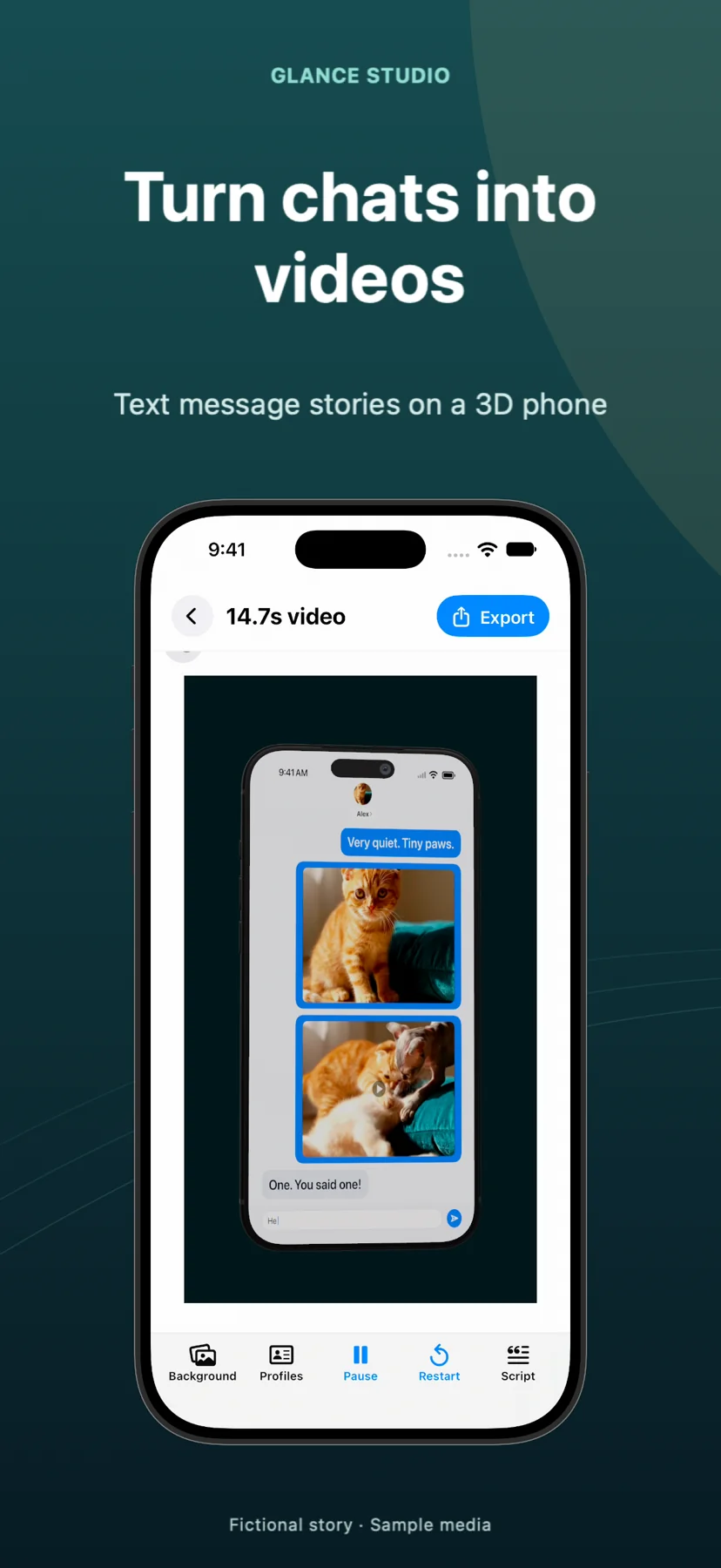
Glance Studio vs Blender 3D phone renders: minutes-to-MP4 Apple workflow vs full 3D DCC pipeline
Blender is a powerhouse free, open-source 3D creation suite capable of photorealistic Cycles raytracing, physics simulations and arbitrary studio environments. Using Blender just to put an animated text-message story onto a 3D iPhone, however, means building the 2D chat video elsewhere first, UV-mapping it as an emissive video texture onto a downloaded phone mesh, rigging camera curves and rendering hundreds of frames—a job Glance Studio completes in minutes on iPhone, iPad or Mac.
1. Integrated chat + 3D stage vs multi-app UV texture pipelines
Blender has no notion of chat bubbles, typing keyboards or message delivery states. To create a 30-second 3D chat video in Blender, you first have to animate and export a flat conversation video in a separate app, import a properly licensed iPhone `.blend` model, map the MP4 onto the screen shader without gamma washout, hand-sync graph-editor camera zooms to exact frame numbers, and mux audio back in after rendering.
Glance Studio unifies the 2D chat script and the 3D iPhone stage in one real-time Apple app: edit a line’s delay, and the 3D phone screen, simulated keyboard, seven message-linked camera focus animations and Maya1 voiceover stay locked in sync automatically.
| Pipeline stage | Glance Studio | Blender + External 2D Tool |
|---|---|---|
| Writing & animating the chat | Built-in script editor (up to 5 contributors, 30 messages) | Must be built and rendered in a separate 2D tool first |
| 3D iPhone mesh & materials | Built-in current-gen iPhone in 5 finishes, ready on launch | Source/model phone mesh, configure PBR glass & metal shaders |
| Syncing camera zoom to message #8 | 1 tap: assign 1 of 7 focus animations directly to message #8 | Look up frame number & keyframe 3D camera rig in Graph Editor |
| Voiceover & sound effects | Built-in Maya1 English voiceover, 4 tones & music trim | Manual VSE / external NLE audio assembly |
| End-to-end creation time | 5–10 minutes on iPhone, iPad or Mac | Several hours of prep, keyframing & rendering |
2. When Blender is the right choice instead of Glance Studio
Blender wins decisively whenever your creative brief leaves vertical chat-story territory: custom 3D environments (a phone lying on wet asphalt under neon rain), multi-phone collisions, exploded hardware views, horizontal 4K cinema frames or 60/120 fps slow motion.
Glance Studio intentionally constrains its 3D stage to keep social production effortless: one rendered iPhone model in five finishes (plus a device-free flat mode), custom solid/image/video backgrounds, and clean 1080×1920 30 fps HEVC/H.264 MP4 output.
| Capability | Glance Studio | Blender |
|---|---|---|
| 3D environment & lighting | Curated stage with color/image/video backdrop & 5 phone finishes | Unlimited 3D geometry, HDRIs, volumetrics & raytracing |
| Camera controls | Distance, FOV, pitch, yaw, roll, motion intensity + 7 focus moves | Arbitrary 3D camera rigs, constraints & depth-of-field shaders |
| Output canvas & frame rate | 1080×1920 vertical at 30 fps (HEVC/H.264 MP4) | Any resolution, aspect ratio, frame rate & EXR/ProRes pass |
| Runs on iPhone & iPad | Yes (iOS/iPadOS 26+) + Mac | Desktop workstation only (Windows, Mac, Linux) |
3. Cost and hardware accessibility
Both tools respect creator budgets: Blender is 100% free and open-source on desktop, while Glance Studio is free with AdMob ads on iPhone and iPad and a $4.99 one-time purchase on Mac with zero ads or subscriptions.
For social creators, writers and marketers who want 3D depth on vertical chat stories without learning UV unwrapping and shader nodes—or waiting on GPU Cycles samples—Glance Studio turns an afternoon render into a five-minute mobile or Mac export.
| Factor | Glance Studio | Blender |
|---|---|---|
| Price | $0 iOS (ads) · $4.99 Mac (one-time, ad-free) | $0 free & open-source (GPL) |
| Learning curve | Minutes — built for writers & social creators | Weeks to months — professional 3D DCC suite |
| Watermark | None | None |
| Project caps | 30 messages, 30 media changes, 5 contributors | Hardware RAM / VRAM bounded only |
Does Glance Studio render an actual 3D phone or a flat 2D frame?
It renders an actual 3D current-generation iPhone model in five finishes with real materials, lighting, camera distance, field of view, pitch, yaw and roll—plus a toggleable Flat mode.
Can I import custom `.obj` or `.blend` 3D props into Glance Studio?
No. Glance Studio uses its built-in 3D iPhone stage while letting you customize the stage background with any color, image or video.
How fast does Glance Studio export on iPhone or Mac compared to 3D raytracers?
Glance Studio renders locally using native Apple frameworks for fast 1080×1920 30 fps HEVC/H.264 export without multi-hour raytracing queues.
Can I export a Blender loop and use it as the background behind Glance Studio’s 3D phone?
Yes! Render a seamless vertical loop in Blender, import that MP4 as your Glance Studio stage background, and stage your 3D chat conversation in front of it.