Glance Studio vs CapCut text-story templates: dedicated 3D chat editor vs manual timeline bubble layers
CapCut is an indispensable multi-track finishing editor for assembling live-action clips, captions and trending audio, and many creators use Glance Studio AND CapCut together. For building the chat animation itself, however, keyframing 20–30 individual bubble PNGs, typing indicators and upward scroll offsets in CapCut takes an hour of fragile layer management—whereas Glance Studio animates the script, typing keyboard, delivery ticks and 3D iPhone camera in minutes.
1. Script-driven chat choreography vs manual multi-layer keyframing
In CapCut, creating a custom conversation means either squeezing your dialogue into a rigid creator template with fixed bubble counts or stacking dozens of text, shape, avatar and sound-effect tracks—and shifting every downstream keyframe whenever you rewrite message #4. In Glance Studio, the conversation IS a structured script: change one line’s wording, author or delay, and every subsequent bubble, scroll position, delivery state and typing animation recalculates automatically.
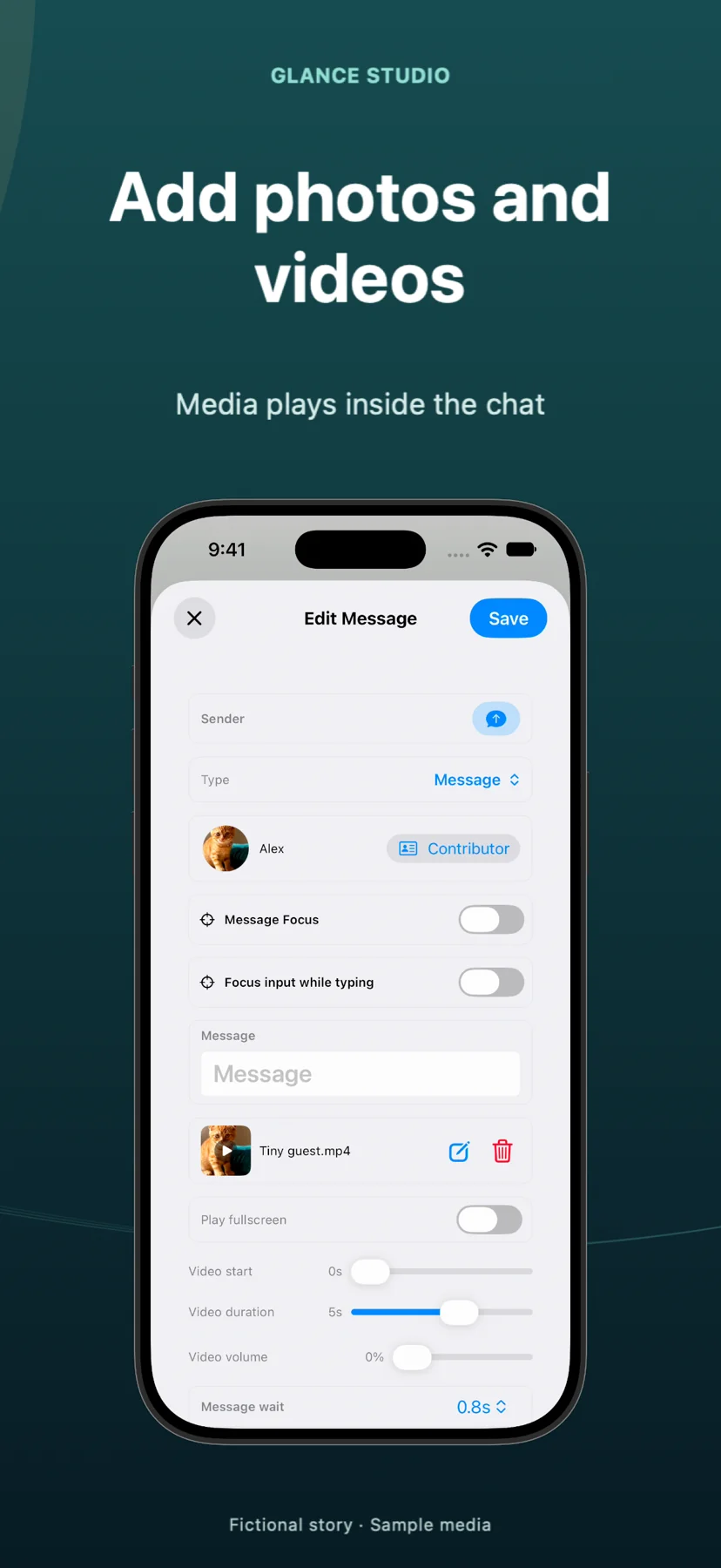
Glance Studio also simulates live letter-by-letter keyboard entry at your chosen speed, renders a true 3D iPhone stage in five finishes with seven camera focus keyframes, and expands inline message videos fullscreen without manual mask tracks.
| Editing task | Glance Studio | CapCut (Templates / Manual Timeline) |
|---|---|---|
| Rewriting an early message’s length | Edit text once; bubble height, scroll & downstream timing auto-adjust | Resize shape/sticker, re-align text & shift all later Y-position keyframes |
| Keyboard typing simulation | Built-in keyboard typing at custom letters-per-minute speed | Requires screen-recording a keyboard or rigid sticker overlays |
| Delivery state progression | Automatic sent → received → viewed indicators per message | Manual icon swaps per bubble |
| 3D phone camera rotation & focus | Real-time 3D iPhone stage + 7 per-message focus animations | 2D perspective/3D card effects only |
| Group chat participants | Up to 5 contributors with saved avatars, colors & room entries | Manual per-layer color & avatar duplication |
2. When CapCut wins—and how the Glance-to-CapCut handoff works
Glance Studio is not a general-purpose timeline editor: it caps single projects at 30 messages and 30 media changes, exports a flattened 1080×1920 MP4 (without alpha-channel transparency), and does not splice talking-head intros before or after the scene. CapCut excels at exactly that outer assembly—combining a 5-second live-action hook, a 25-second Glance Studio chat MP4, and a longer product outro, or joining two 30-message Glance exports into a 60-message episode.
When handing off from Glance Studio to CapCut, finalize spelling, chat pacing and stage backgrounds inside Glance first, export the clean 1080×1920 HEVC/H.264 MP4, and drop it onto CapCut’s main vertical track.
| Capability | Glance Studio | CapCut |
|---|---|---|
| Multi-scene live-action timeline | No (single conversation scene up to 30 messages) | Yes (full multi-track vertical/horizontal NLE) |
| Background video behind chat | Built-in stage background image/video picker | Multi-layer video compositing (note: Glance MP4 is opaque, not alpha) |
| Voiceover generation | Local Maya1 English model (zero cloud credits, 15 presets + custom) | Cloud TTS voices (many voices/exports gated by CapCut Pro) |
| Auto-captions for live speech | Not included (chat text is already onscreen) | Built-in speech-to-captions tool |
3. Subscription creep vs fixed local cost
Many CapCut templates, 1080p/60fps effects, cloud TTS voices and watermark-free assets have migrated behind CapCut Pro monthly subscriptions. Glance Studio keeps its pricing predictable: $0 on iPhone and iPad with AdMob ads (never adding a watermark to your exported MP4) or $4.99 one-time on the Mac App Store with zero ads and zero subscriptions.
Using Glance Studio for the chat animation and CapCut’s free basic timeline cuts only when you need multi-clip assembly gives you studio-grade 3D chat videos without recurring template fees.
| Cost & output factor | Glance Studio | CapCut |
|---|---|---|
| Price for full chat features | $0 on iOS (with ads) · $4.99 one-time on Mac | Free basic cuts; many Pro templates/voices require monthly Pro plan |
| Export watermark | Never watermarked on iOS or Mac | End-card or Pro-feature blocks unless removed / subscribed |
| Export format | 1080×1920, 30 fps, HEVC or H.264 MP4 | Up to 4K / 60 fps MP4/MOV (tier-dependent) |
| Offline reliability | 100% local rendering & local Maya1 voiceover | Templates & TTS require cloud connection |
Can I import a Glance Studio project into CapCut as editable chat layers?
No. Glance Studio exports a finished 1080×1920 MP4 video file. If you spot a typo later, fix the line in your saved Glance project, re-export the MP4 and replace the clip in CapCut.
Does Glance Studio export transparent-background chat bubbles for CapCut overlays?
No. Standard MP4 exports include the stage background (solid color, image or video). Set your desired background clip directly inside Glance Studio before exporting.
How do I make a 50-message story using Glance Studio and CapCut?
Create Part 1 (up to 30 messages) and Part 2 in Glance Studio with matching chat looks and 3D angles, export both clean MP4s, and join them back-to-back in CapCut.
Should I add background music in Glance Studio or in CapCut?
Add music in Glance Studio if you are publishing the export directly; leave music off in Glance if you plan to score a multi-clip edit across cuts inside CapCut.