Glance Studio vs Canva chat animations: continuous 3D phone chat scrolling vs slide-by-slide timing
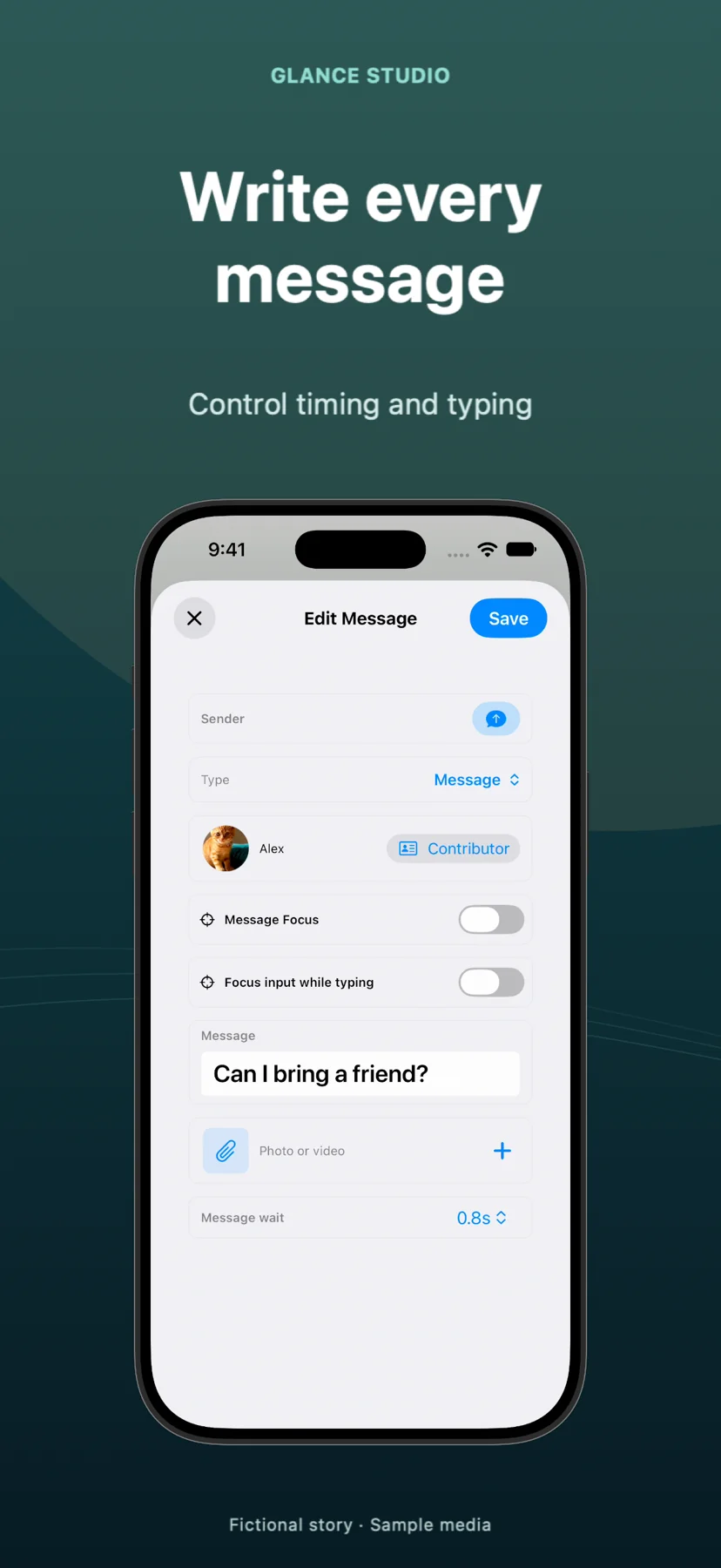
Canva is unbeatable for static social graphics, pitch decks and brand-kit carousels, and it includes static "text message" Reel templates. Animating an authentic 20-message conversation in Canva, however, means duplicating slides or manually timing dozens of grouped rectangles that pop on without scrolling—whereas Glance Studio animates live keyboard typing, upward chat scroll, fullscreen inline videos and a 3D iPhone stage automatically.
1. Sequential thread physics vs static slide layouts
Canva’s video model treats each scene like an animated poster: text boxes fade or pop onto fixed X/Y coordinates, so once five or six bubbles fill the vertical frame you must cut abruptly to a fresh page and rebuild the layout. Glance Studio models an actual messaging thread—each reply types out on a simulated keyboard at your chosen letters-per-minute speed, shifts earlier bubbles smoothly upward, and updates delivery states from sent to received to viewed.
On top of flat chat mode, Glance Studio renders a true 3D iPhone stage in five finishes where you can rotate pitch, yaw and roll and trigger seven focus animations (zoom, blur, dim, spotlight, pulse, shake, bounce) on pivotal replies, rather than dropping a flat video inside a static 2D phone frame sticker.
| Animation detail | Glance Studio | Canva Video / Reels Templates |
|---|---|---|
| Continuous upward thread scrolling | Automatic for up to 30 messages per project | Manual page duplication or rigid fixed-screen bubble limits |
| Simulated keyboard typing | Built-in keyboard typing in letters per minute | Typewriter text effect only (no live chat input bar) |
| 3D device presentation | Interactive 3D iPhone (5 finishes, camera angles & 7 focus moves) | Static 2D phone mockup frames only |
| Inline media attachments | Photo or trimmed video inside bubble + fullscreen expansion | Manual frame masking across split slides |
| Group conversations | Up to 5 contributors + room-entry lines | Manual color/avatar copying per grouped box |
2. Voiceover, sound effects and multi-format brand design
Canva wins clearly whenever your deliverable is a static Instagram carousel, printable flyer, presentation deck or team-shared brand template with custom corporate fonts. Glance Studio wins when the deliverable is a vertical 9:16 chat story or product demo that needs message arrival tones, trimmed music, push notification banners and spoken dialogue.
Instead of installing third-party Canva apps with metered voice credits, Glance Studio runs the Maya1 English voice model locally on your iPhone, iPad or Mac (15 presets plus custom voice descriptions after a one-time Hugging Face download).
| Feature area | Glance Studio | Canva |
|---|---|---|
| Built-in voiceover | Local Maya1 English model (zero per-render credits) | Third-party Canva apps / Pro AI voice credits |
| Message sound tones | 4 selectable message tones (or silent) synced automatically | Manual audio clip alignment on timeline |
| Custom brand fonts & carousels | No (4 stylized chat looks, 10–64 pt sizing, 9:16 MP4 only) | Yes (Brand Kit fonts, carousels, decks, print & resize) |
| Real-time team browser comments | No (local single-device Apple app) | Yes (cloud team workspaces) |
3. Cost and offline native workflow
Canva Free covers basic graphics, while Canva Pro (~$15/month or $120/year per person) unlocks premium stock elements, brand kits and background tools. Glance Studio costs $0 on iPhone and iPad (supported by AdMob ads, with zero watermarks on exports) or $4.99 one-time on the Mac App Store with no ads and no recurring fees.
Many marketers pair both: export the 1080×1920 30 fps chat video from Glance Studio, and design companion static carousels or YouTube channel art in Canva.
| Metric | Glance Studio | Canva |
|---|---|---|
| Price | $0 iOS (ads) · $4.99 one-time Mac (ad-free) | Free tier (watermarked Pro stock) · ~$15/mo Canva Pro |
| Offline creation & rendering | Yes on iOS 26+, iPadOS 26+ & macOS | Requires internet connection for cloud editor & exports |
| Export output | 1080×1920 30 fps MP4 (HEVC or H.264), no watermark | MP4, PNG, PDF, GIF across custom dimensions |
| Per-project limits | 30 messages, 30 media changes, 5 contributors | Page/slide count limits per Canva document |
Can I import a Glance Studio MP4 into a Canva presentation or social frame?
Yes. Export the 1080×1920 H.264 or HEVC MP4 from Glance Studio and upload it into any Canva slide, mockup or social reel layout.
Why do Canva chat templates stop after 5 or 6 messages?
Canva pages are fixed-height canvases without native chat-scroll physics, so fitting more messages requires shrinking the font or splitting across multiple slides.
Does Glance Studio require a monthly Pro plan to remove watermarks?
No. Neither the free iOS app nor the $4.99 Mac app ever puts a watermark on exported videos.
Can I upload custom TTF/OTF brand fonts into Glance Studio like Canva Pro?
No. Glance Studio uses four clean, stylized chat looks with adjustable point sizes (10–64 pt) for hooks, messages and calls to action.