Glance Studio vs screen-recording two iPhones: 1-device scripting, privacy & 3D staging compared
Texting yourself across two borrowed iPhones with iOS Screen Recording turned on is how many creators improvise their first chat video—until a real push banner leaks a personal phone number, a mistyped word forces a full reshoot, or you need three people in a group thread. Glance Studio scripts 2 to 5 fictional characters on a single iPhone, iPad or Mac with repeatable timing, de-branded chat looks, 3D phone framing and zero personal data exposure.
1. Non-destructive script editing vs live one-take texting reshoots
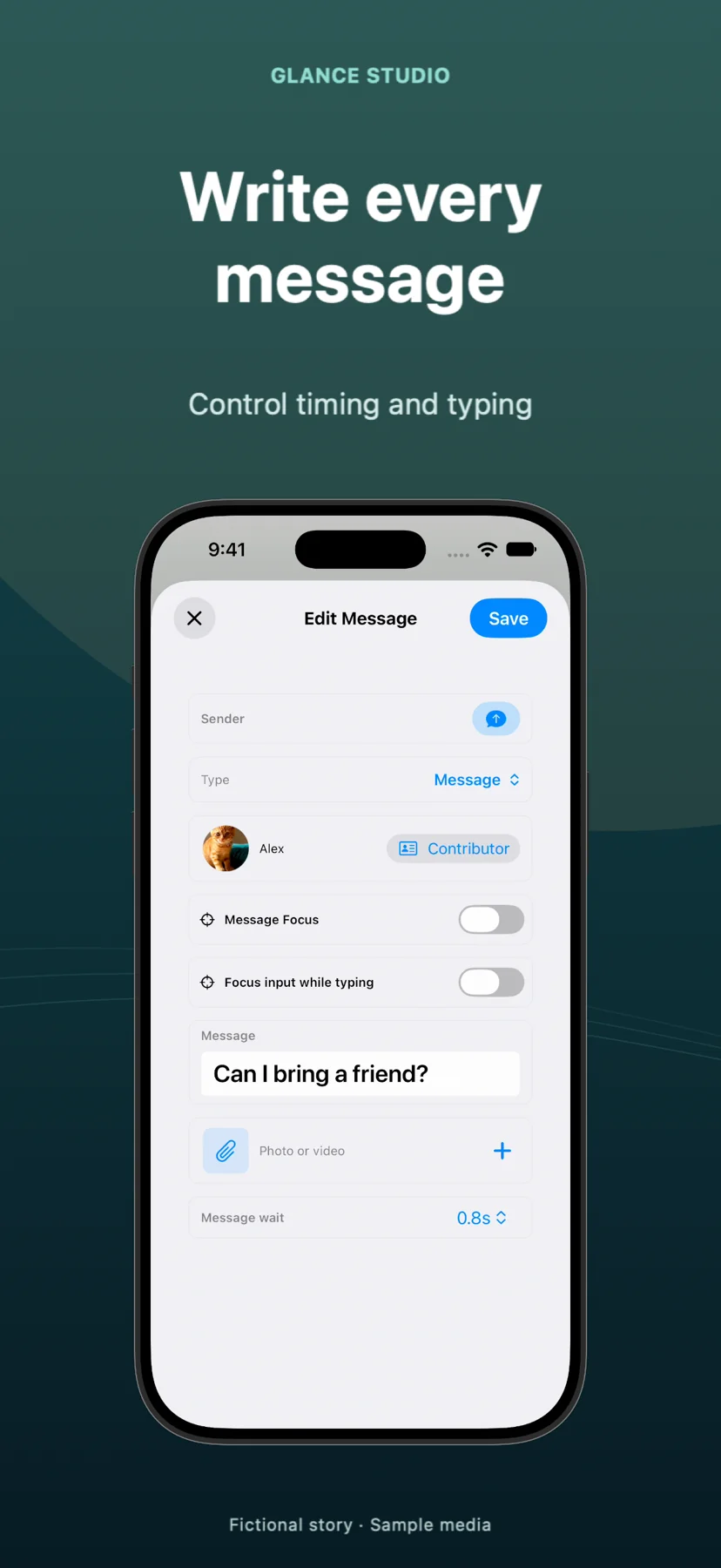
When you screen-record a live SMS or messenger session between two phones, every typo, awkward 9-second pause, battery indicator change or stray notification ruins the take—forcing you to delete all messages on both handsets and perform the entire conversation again in real time. In Glance Studio, dialogue is an editable script: fix a spelling mistake on message #14, change a pause from 3.0s to 1.2s, or swap an avatar, and re-export a clean MP4 in moments.
Better yet, creating a 4- or 5-person group skit with live phones requires coordinating five separate SIM cards and Apple Accounts, whereas Glance Studio lets one writer control up to 5 named contributors, colors, avatars and room-entry lines on a single device.
| Production reality | Glance Studio (1 device) | Screen-recording 2+ live iPhones |
|---|---|---|
| Hardware & SIMs needed for 5-person chat | 1 iPhone, iPad or Mac (0 SIMs or real accounts) | 5 separate phones / accounts coordinated live |
| Fixing one typo mid-conversation | Edit the single message text & export again | Delete thread on all phones & re-perform from scratch |
| Controlling typing speed & dramatic pauses | Exact letters-per-minute typing & per-message delay settings | Live human thumb speed (inconsistent across takes) |
| 3D hardware angle & camera zooms | Built-in 3D iPhone stage (5 finishes + 7 focus moves) or Flat mode | Flat 2D screen capture only |
| Inline video expanding fullscreen cleanly | Timed fullscreen expansion with exact duration | Manual tap timing + visible iOS player scrubber bars |
2. Privacy leaks, personal contacts and commercial brand rules
Live screen recordings routinely leak private metadata into published TikToks and Reels: carrier names, real contact photos, top-of-screen banners from family members, keyboard autocorrect suggestions with personal names, or location-identifying photos in the picker tray. Because Glance Studio runs inside an isolated creative sandbox with fictional character profiles and never reads your Messages or Contacts, private conversations cannot accidentally appear on camera.
For brands and agencies, Glance Studio’s four stylized, de-branded chat looks (classic blue, channel dark, purple, green) also avoid recording proprietary third-party messenger chrome into commercial ads.
| Risk vector | Glance Studio | Live iPhone Screen Recording |
|---|---|---|
| Accidental real banner / SMS leaks | Zero — staged notification banner uses only text you type | High unless Focus modes & previews are locked down perfectly |
| Phone number / contact photo exposure | Zero — isolated fictional contributor names & avatars | High risk in header bars & group member lists |
| Keyboard predictive text leaks | Simulated clean keyboard typing | Shows personal learned dictionary suggestions |
| Messenger trademark UI in paid ads | 4 stylized de-branded chat looks | Captures real trademarked app icons & UI chrome |
3. Sound design, voiceover and resolution consistency
iOS Screen Recording captures unmixed system pops alongside room echo if the mic is accidentally left active, and exports unusual native screen dimensions (such as 1206×2622) that social apps letterbox or crop unpredictably. Glance Studio outputs standard broadcast-vertical 1080×1920 at 30 fps in HEVC or H.264 MP4, mixes four crisp message tones with trimmed music, and generates optional on-device Maya1 English voiceovers per message.
And because the iOS app is $0 (with AdMob ads) and the Mac app is $4.99 once, you never need a spare phone drawer.
| Factor | Glance Studio | Recording Two iPhones |
|---|---|---|
| Export canvas | Exact 1080×1920 (9:16) at 30 fps | Device-native odd aspect ratio (~19.5:9) requiring crop |
| Built-in multi-voice narration | Yes — local Maya1 model (15 presets + custom) | None — must record and sync audio separately |
| Opening hook & CTA overlays | Built in with independent 10–64 pt text sizing | Requires secondary video editor |
| Cost | $0 on iOS (ads) · $4.99 one-time on Mac | Requires owning/borrowing multiple phones & plans |
Does Glance Studio ever read my real iMessages, SMS or Contacts?
No. Glance Studio has zero access to your Messages or Contacts. Every character name, avatar and line of text is created inside your project.
Can I still include a push notification at the top of the screen in Glance Studio?
Yes. Glance Studio includes a dedicated, staged push notification banner with custom title and subtitle so you get the storytelling effect with zero privacy risk.
What if I want the chat to fill the screen like a screen recording instead of a 3D phone?
Switch the stage to Flat mode—it drops the 3D iPhone hardware and renders the chat conversation cleanly at 1080×1920.
How many messages and people can I put in one scripted chat?
Up to 5 contributors, 30 messages and 30 media changes per project.