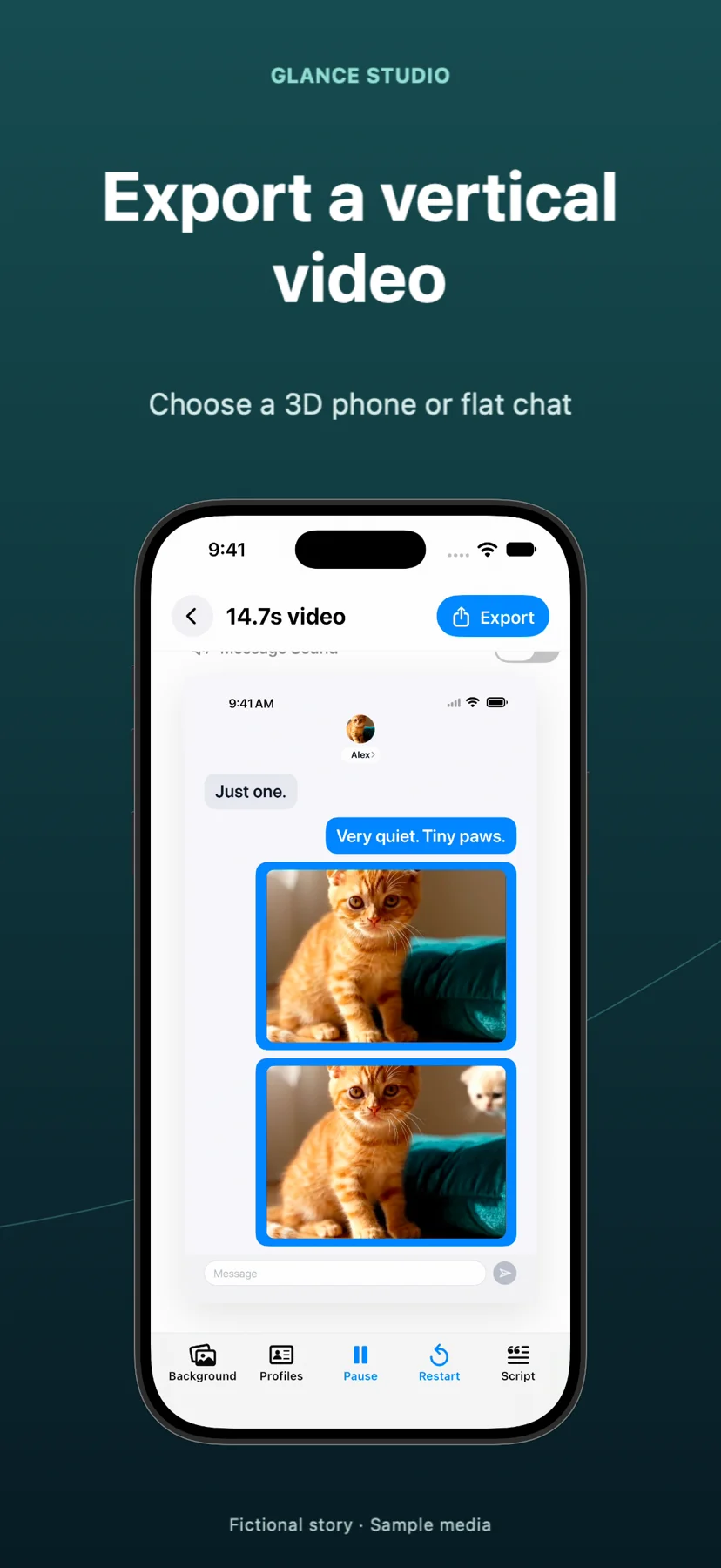
Glance Studio vs Vsub.io: on-device Maya1 voiceover and 3D phone staging vs browser fake-text SaaS
Vsub.io is a cloud web suite tailored for automated TikTok niches—combining fake-text overlays, AI quiz videos, Reddit stories and auto-captions behind a monthly subscription. Glance Studio focuses strictly on crafting expressive chat-style videos on iPhone, iPad and Mac, pairing a rendered 3D iPhone stage (or flat layout), inline fullscreen media attachments and zero-credit local Maya1 English voiceover without locking you into recurring SaaS bills.
1. Dedicated 3D chat choreography vs multi-template web automation
Vsub.io optimizes for speed across several viral web formats—letting you paste two-party dialogue into a browser form, pick dark or light messenger skins, and composite flat message cards over background footage. Glance Studio trades multi-niche automation for deeper control over the conversation itself: simulated keyboard typing in letters per minute, delivery ticks that progress from sent to received to viewed, room-entry announcements and up to 5 distinct contributors.
Visually, Glance Studio places that conversation onto a 3D current-generation iPhone in five finishes with adjustable camera distance, field of view, pitch, yaw and roll, plus seven focus keyframes (zoom, zoom with blur or dim, spotlight, pulse, shake and bounce). When maximum text size matters more than hardware depth, one toggle switches the project to flat mode.
| Feature | Glance Studio | Vsub.io |
|---|---|---|
| Stage modes | 3D rendered iPhone (5 finishes) + Flat chat mode | Flat 2D chat card overlay on background video |
| Per-message camera keyframes | 7 focus animations (zoom, blur, dim, spotlight, pulse, shake, bounce) | Static 2D bubble pop-in |
| Group chat support | Up to 5 contributors per project with avatars & colors | Built around 2-speaker fake-text threads |
| Inline photo & video attachments | Supported with custom trim, audio volume & timed fullscreen expansion | Primarily text bubbles; limited inline video staging |
| Hooks, push banners & CTAs | Built-in opening hook, push notification banner & delayed CTA overlay | Handled via general web caption/template layers |
| Other faceless templates (quizzes, Reddit) | Not included (chat-video studio only) | Included in web dashboard |
2. Local Maya1 speech synthesis vs cloud TTS credit meters
In Vsub.io, generating character voices relies on cloud TTS providers tied to your monthly credit balance, which works well for multilingual cloud voices but penalizes iterative script editing. Glance Studio runs the Maya1 open voice model locally on your iPhone, iPad or Mac after a one-time download from Hugging Face—giving you 15 preset English personas (such as podcast host or dark villain) plus text-described custom voices at zero marginal cost.
Before planning a non-English narrated series, check language support carefully: Glance Studio’s Maya1 workflow is English-focused, whereas cloud SaaS tools integrate commercial multilingual TTS APIs. If you publish silent chat stories or add non-English voiceover in an external editor later, Glance Studio’s 40+ localized app interfaces and Unicode script editor still render the bubbles cleanly.
| Audio & system factor | Glance Studio | Vsub.io |
|---|---|---|
| Voiceover processing | On-device Maya1 (download weights once from Hugging Face) | Cloud API synthesis per character/credit |
| Voice selection | 15 presets + custom voice description, per-message delay & volume | Cloud provider voice catalog |
| Spoken language coverage | English voiceover model (test lines on target hardware) | Multilingual cloud TTS options |
| Message & background audio | 4 message tones (or mute) + trimmed background music track | Background audio & template SFX in browser |
| Supported OS / devices | iPhone & iPad (iOS/iPadOS 26+) and Mac (macOS) | Any desktop/mobile browser with fast upload/download |
3. Ownership economics, project caps and commercial safety
Vsub.io requires an active paid workspace (~$29+/month) to export watermark-free shorts regularly. Glance Studio costs $0 on iOS (ad-supported with AdMob) or $4.99 once on the Mac App Store with no ads and no subscription—and neither version ever stamps a watermark onto your 1080×1920 30 fps MP4.
Commercial advertisers and agencies also benefit from Glance Studio’s four de-branded chat looks (classic blue, channel dark, purple, green), which convey instant messaging familiarity without impersonating Apple, WhatsApp or Messenger trademarks in paid ad creatives.
| Decision point | Glance Studio | Vsub.io |
|---|---|---|
| Pricing model | Free w/ ads (iOS) · $4.99 one-time (Mac) | Recurring monthly/annual SaaS subscription |
| Export resolution & codecs | 1080×1920 at 30 fps, HEVC or H.264 MP4, no watermark | Cloud MP4 export gated by active plan |
| Hard per-project caps | 30 messages, 30 media changes, 5 contributors | Credit-metered by duration and render count |
| Brand trademark posture | 4 stylized de-branded looks (unaffiliated with real messengers) | Often styled to mimic specific dark/light messenger UIs |
Why choose Vsub.io over Glance Studio?
Choose Vsub.io if you work on Windows or Chromebook, need non-English cloud TTS voices out of the box, or want AI quizzes, auto-captions and Reddit scrapers in the same web subscription.
Why choose Glance Studio over Vsub.io?
Choose Glance Studio when you want a 3D iPhone stage with camera keyframes, up to 5 chat participants, inline fullscreen video attachments, local English voiceover without credit meters, and $0 iOS / $4.99 Mac pricing.
Does Glance Studio store my scripts or media in the cloud?
No. Projects, media references and rendered videos stay on your iPhone, iPad or Mac with no user account and no Arte Soft cloud server.
Can I put my own gameplay video behind the chat in Glance Studio?
Yes. You can set any licensed video or image you own as the stage background—or even play real footage directly on the 3D phone screen.