No-watermark free chat video maker vs watermarked freemium tools: what actually exports clean
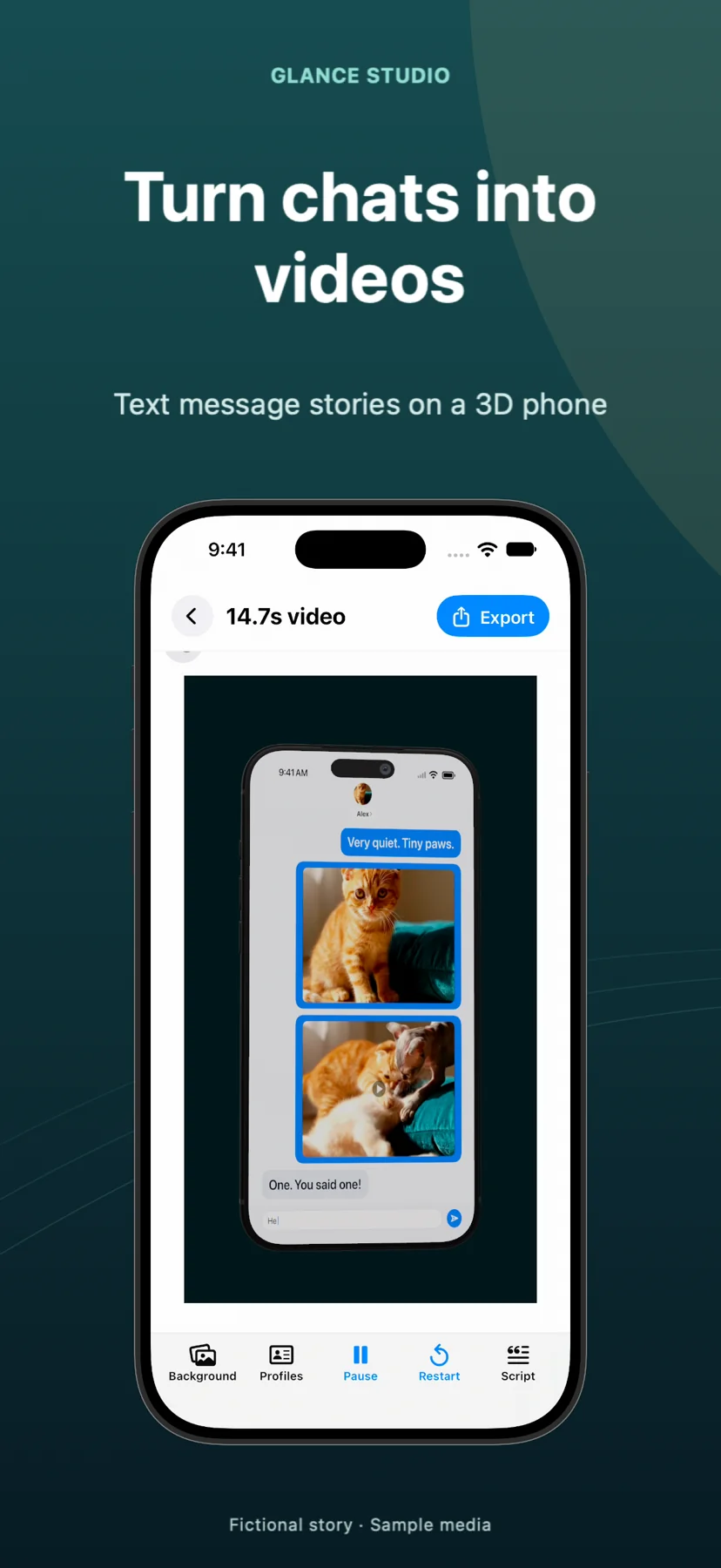
Dozens of browser and mobile chat-video tools advertise "Free to start," then surprise you on the export screen with a giant diagonal logo, 720p blur or a $29/month paywall after you spent 40 minutes writing your script. Glance Studio separates app funding from your video pixels: on iPhone and iPad it is $0 with every feature unlocked and ZERO watermarks on 1080×1920 30 fps exports (funded by AdMob ads), and on Mac it is a $4.99 one-time purchase with zero ads and zero watermarks.
1. Ads inside the app vs watermarks burned into your finished MP4
Understanding how "free" video apps pay their bills saves hours of wasted editing. Most web SaaS tools (Crayo, Vsub, InVideo, VEED, Jitter) run expensive cloud GPUs, so their free tiers either block MP4 downloads outright or burn a permanent corner/center watermark into your video—knowing TikTok, Reels and Shorts viewers treat third-party editor logos as low-effort spam.
Glance Studio renders locally on your own Apple silicon, so server costs are zero. On iOS and iPadOS, the free app funds development transparently with Google AdMob—showing one ad when the app opens and one rewarded video right before each export—leaving all 1080×1920 pixels of your saved MP4 100% clean.
| Tool category | Free export watermark? | Free export resolution | What is locked on Free? |
|---|---|---|---|
| Glance Studio (iPhone & iPad) | No watermark, no end-card | Full 1080×1920 at 30 fps | Nothing locked (watch 1 rewarded ad per export) |
| Glance Studio Desktop (Mac, $4.99) | No watermark, no end-card | Full 1080×1920 at 30 fps | Nothing locked, zero ads ($4.99 one-time upfront) |
| AI Shorts Web SaaS (Crayo / Vsub / Revid) | Watermarked or export blocked | Preview only or 720p trial | Clean exports & TTS minutes require $19–$79/mo |
| Browser Editors (VEED / InVideo / Jitter) | Visible brand watermark | Often capped at 720p | 1080p, watermark removal & Pro stock require monthly plan |
| Freemium Mobile Prank/Chat Apps | Corner logo or locked themes | Varies by app | Weekly/monthly IAP often required for extra characters/themes |
2. Why cropping out a freemium watermark ruins vertical framing
Creators sometimes try to beat a freemium corner logo by zooming a 720p or 1080p export to 118% in a second editor. On a vertical 9:16 chat video, that 18% crop pushes sender avatars into the outer bezel, shoves bottom replies underneath TikTok’s caption overlay, and softens text sharpness twice over.
Starting with an unwatermarked 1080×1920 master from Glance Studio preserves your exact 3D iPhone framing, opening hook placement and safe margins from the first render.
| Quality check | Clean 1080×1920 Glance Export | Zoomed/Cropped Watermarked Export |
|---|---|---|
| Text sharpness | Native 1:1 pixel rendering in HEVC or H.264 | Blurred by 115–125% upscale + double compression |
| Social UI safe margins | Preserves deliberate outer breathing room | Pushes bubbles under right-hand like/share buttons |
| Brand & client credibility | Ready for brand channels & paid UGC ads | Unusable for client work; signals trial software |
3. Five-minute test protocol before writing a 30-message script in any app
Never write a full episode in an unfamiliar tool before testing its actual saved file. Open the app, enter three test lines with one photo, click export, and inspect the resulting MP4 in Photos or Finder from frame one to the very last second—checking corners for translucent logos, checking the ending for appended outro cards, and checking Get Info for 1080×1920 dimensions.
In Glance Studio, that test takes two minutes and confirms everything upfront, along with its honest project caps (30 messages, 30 media changes and 5 contributors per project).
| Question to verify on a 3-line test | Glance Studio result |
|---|---|
| Is any corner or drifting logo added to the saved MP4? | No |
| Is a branded 2-second outro bumper appended at the end? | No |
| Is resolution downgraded below 1080×1920? | No — always 1080×1920 at 30 fps |
| Are 3D phone stage, 5 contributors or Maya1 voiceover paywalled? | No — all unlocked on iOS ($0 w/ ads) & Mac ($4.99) |
Is there any hidden monthly limit on how many watermark-free videos I can export on iOS?
No. There is no export count cap in Glance Studio. Each iOS export simply plays a rewarded AdMob video beforehand.
What if I want zero ads before exporting?
Get Glance Studio Desktop on the Mac App Store ($4.99 one-time purchase), which removes all ads and rewarded videos permanently.
Does Glance Studio add an audio watermark or spoken tag to Maya1 voiceovers?
Never. Spoken audio generated locally by Maya1 contains only the script lines you wrote.
Why should I still check the App Store listing in my region?
Always verify the current App Store version and regional listing details; the facts here reflect Glance Studio version 1.1.3 on iOS and Mac.